Guide for Peer Facilitators and Safeguarding#
Handling incidents privately, and the extra care these roles need.
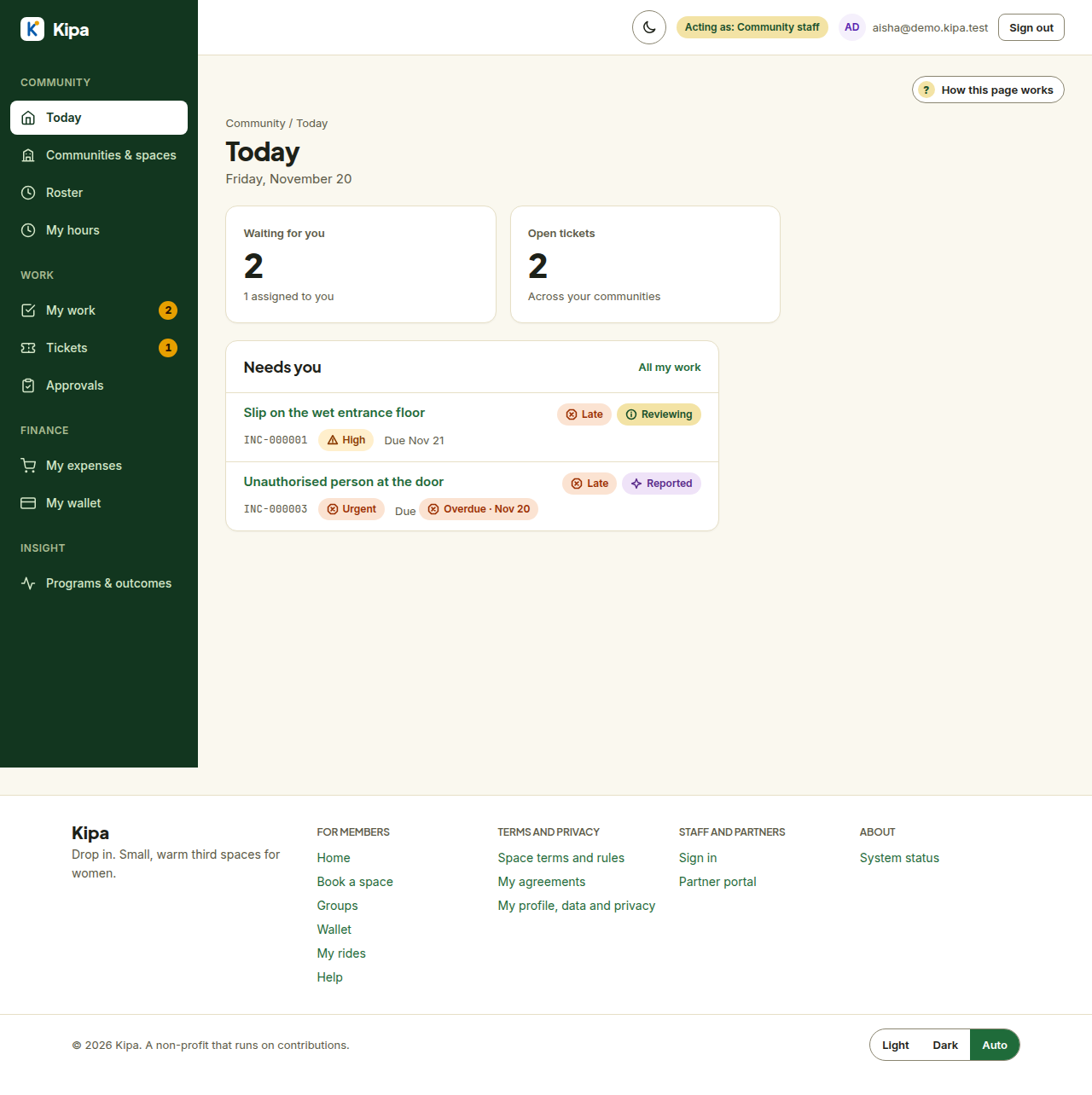
A Peer Facilitator supports members in groups. A person on the Safeguarding team also sees incidents. Both sign in with a password and an authenticator code. Most screens work like an employee's (see Employees).
What you can do#
- Work the tickets assigned to you.
- Read and handle incident tickets, which only the Safeguarding team can see.
- Support groups you are part of.
Incidents#
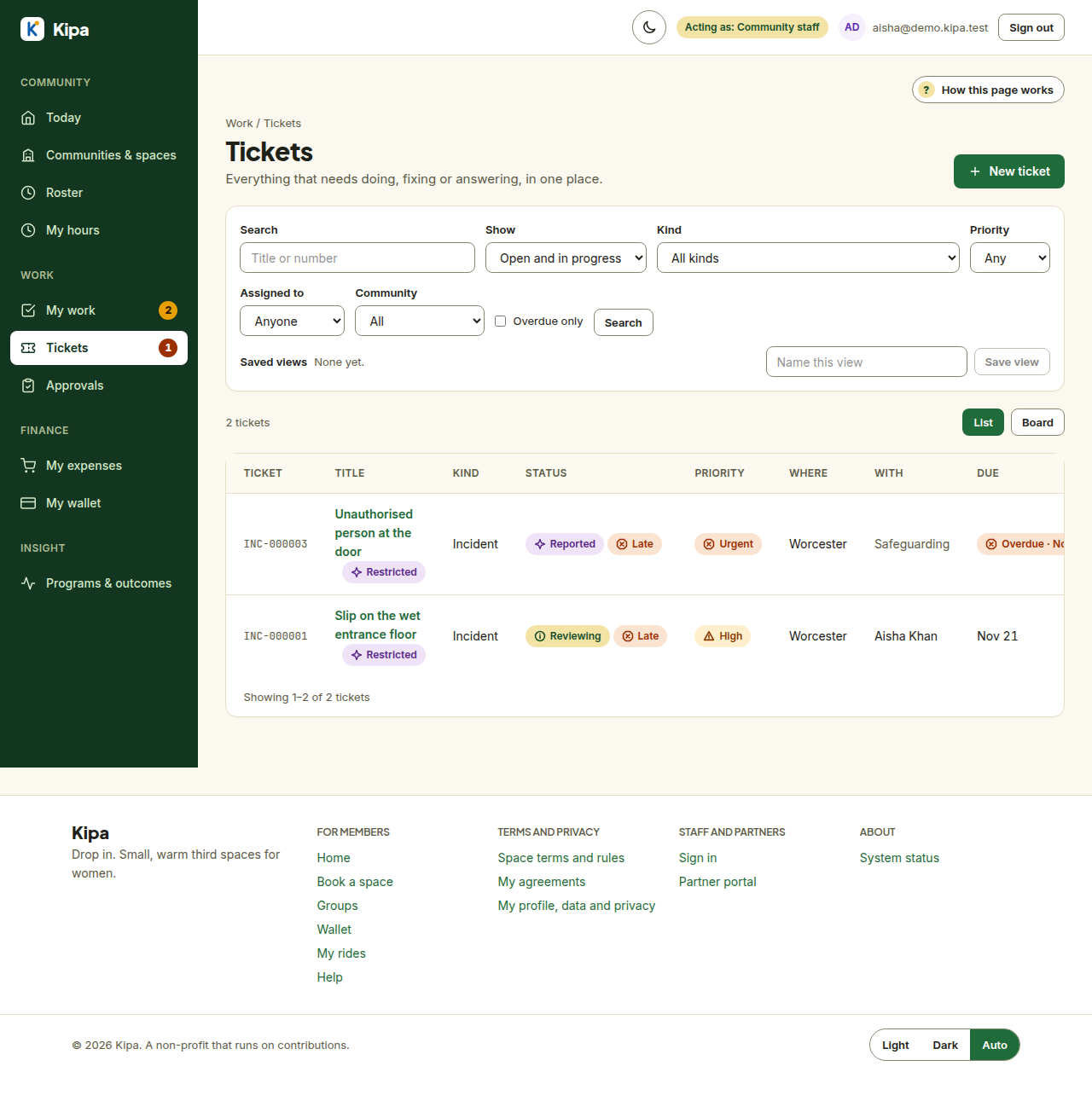
A member reports an incident under Help, Report an incident. A Community Lead is told and an Incident ticket is raised. It is visible only to the Safeguarding team, plus the Program Manager and Executive Director, who are told automatically.
- Make everyone safe first. Call 911 if needed.
- Open the incident ticket and write what you did in a comment.
- Never write names in chat or email. Keep identifying details inside the ticket.
If something goes wrong#
| You see | What to do |
|---|---|
| An incident you cannot see | It is limited to Safeguarding; ask the Program Manager |
| You need someone's emergency contact | Ask the Program Manager; they must give a reason, and it is recorded |