Guide for System Administrators#
Teams and access, roles, agreements and terms, ticket types, approval chains, system health, importing data, break-glass access and community settings.
A System Admin keeps Kipa's people, access and settings in order. You sign in with a password and an authenticator code, and you land on Administration, a list of screens.
What you can do#
- Create teams and decide who is on them and what they can do.
- Publish agreements and terms, set ticket types and approval chains.
- Import data and watch the system's health.
- Grant a short, recorded emergency role (break-glass).
- Set a community's time zone and edit its details.
- Build and share reports.
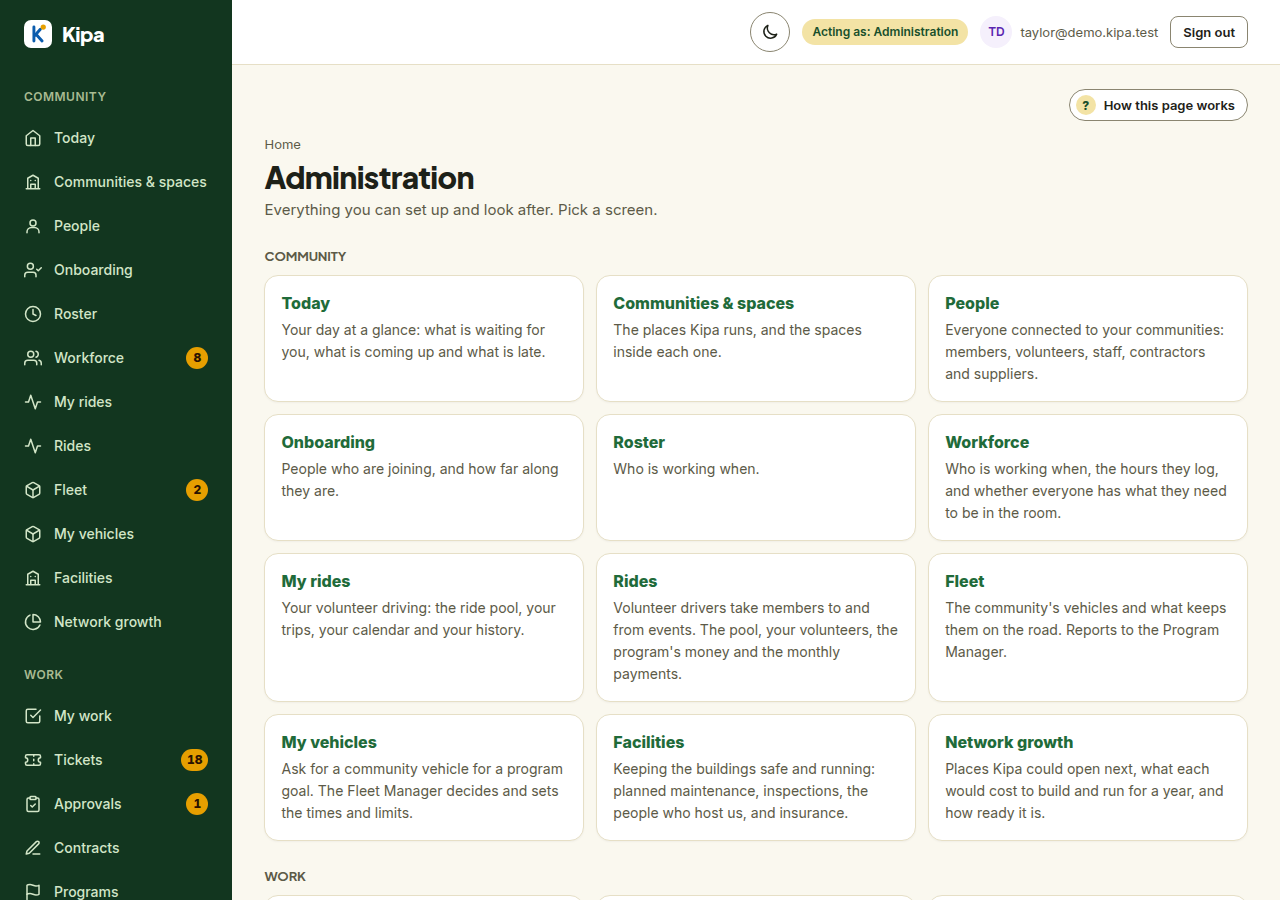
Teams and access#
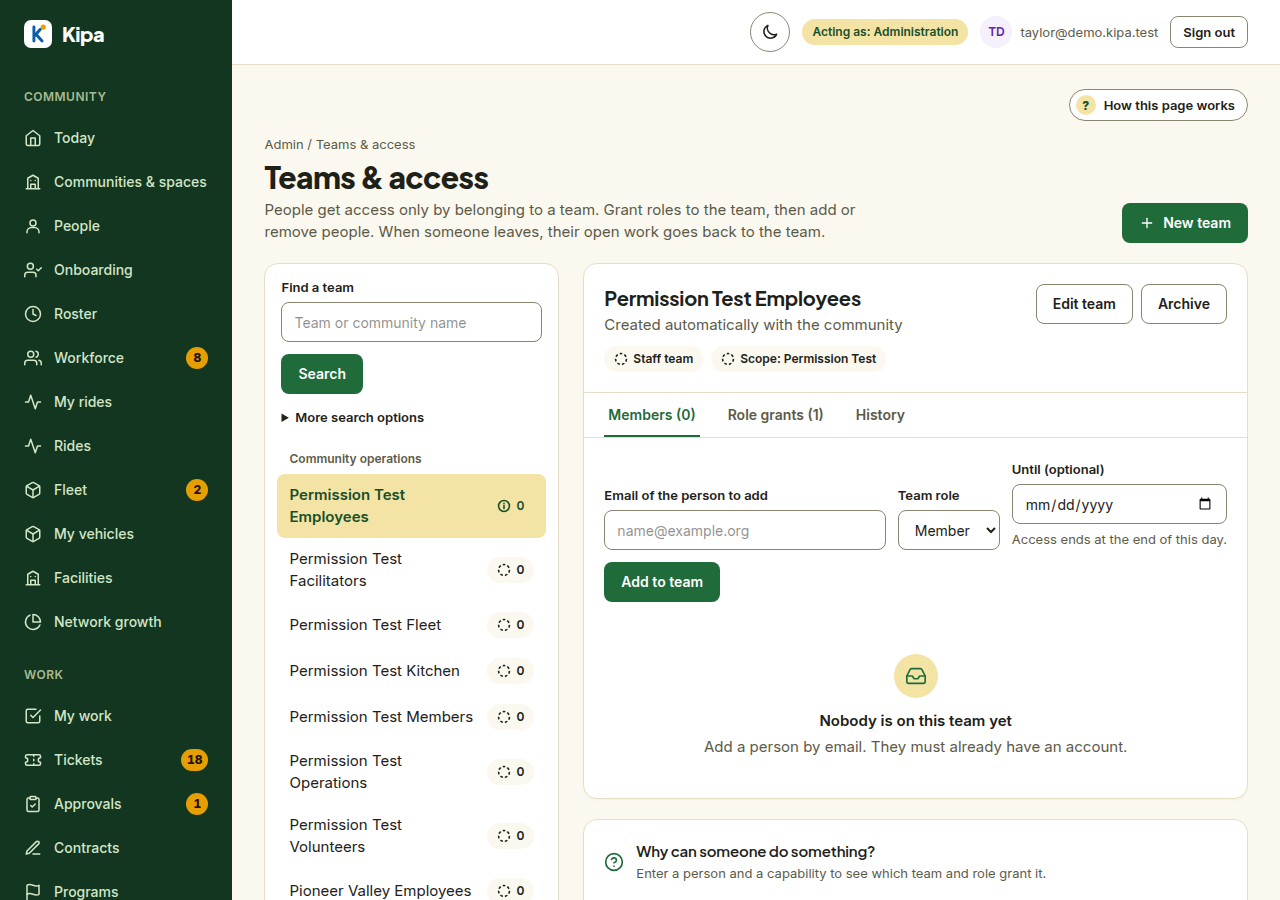
Access in Kipa comes only from teams. A person gets a role by belonging to a team that has it, at a place (the whole organization, a region, a community, a group, a project or a partner). Remove someone from their teams and their access ends.
- Open Teams & access and search (for example "worcester"). The search stays in the address bar.
- Press New team, then add a person by their email, choose a Team role (Member or Lead) and optionally an Until date. Access ends at the end of that day.
- On the Role grants tab give the team a role at a place. The person's menu changes the next time they sign in.
- The History tab records who added or removed whom.
- You cannot remove the last System Admin: it is refused with a reason.
Adding people to the Approvers team#
Some approvals (for example onboarding) end with a step that goes to a team called Approvers. If nobody is on that team, the request shows No one can decide and is stuck.
- Open Teams & access, Approvers.
- In Email of the person to add, type an address (for example the Program Manager's or Executive Director's), choose Lead, and press Add to team.
- People who are on the team can then decide the request under Approvals. Anyone who started a request cannot decide it.
Roles and capabilities#
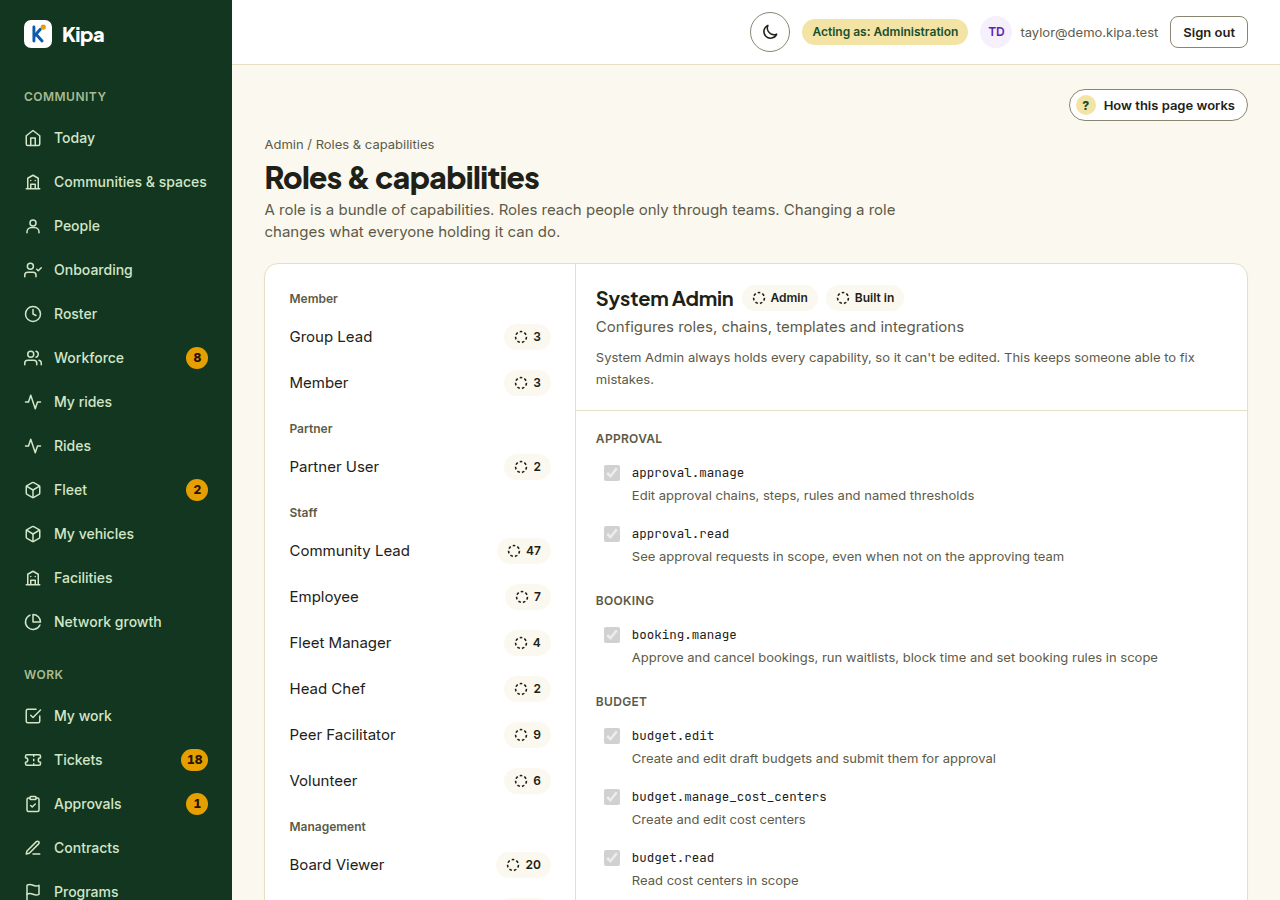
Open a role to read what it allows. Built-in roles such as System Admin are read-only.
Agreements and terms#
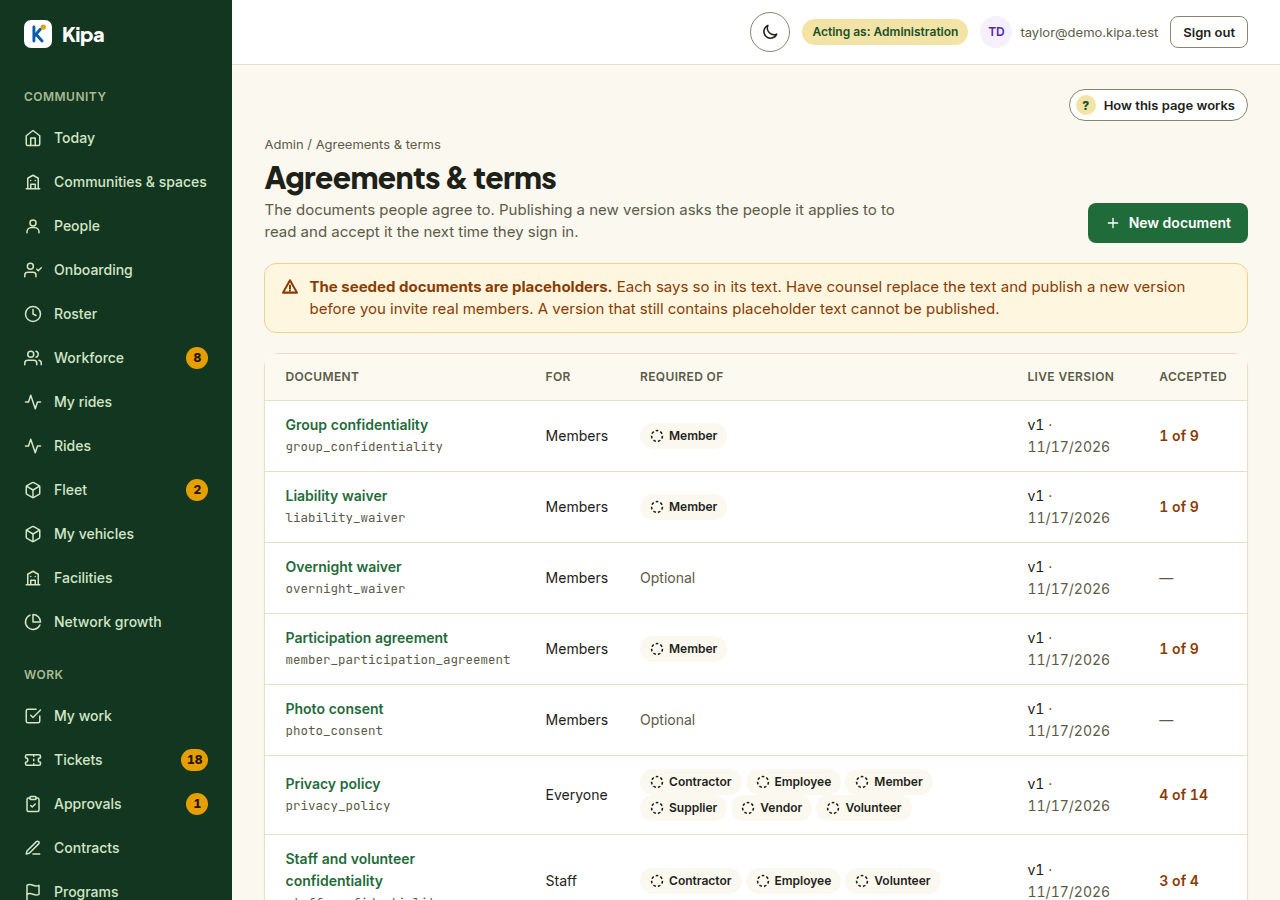
Publish a changed version of an agreement. Members must accept the new version before the app opens. A Community Lead can read agreements but not change them.
Ticket types and approval chains#
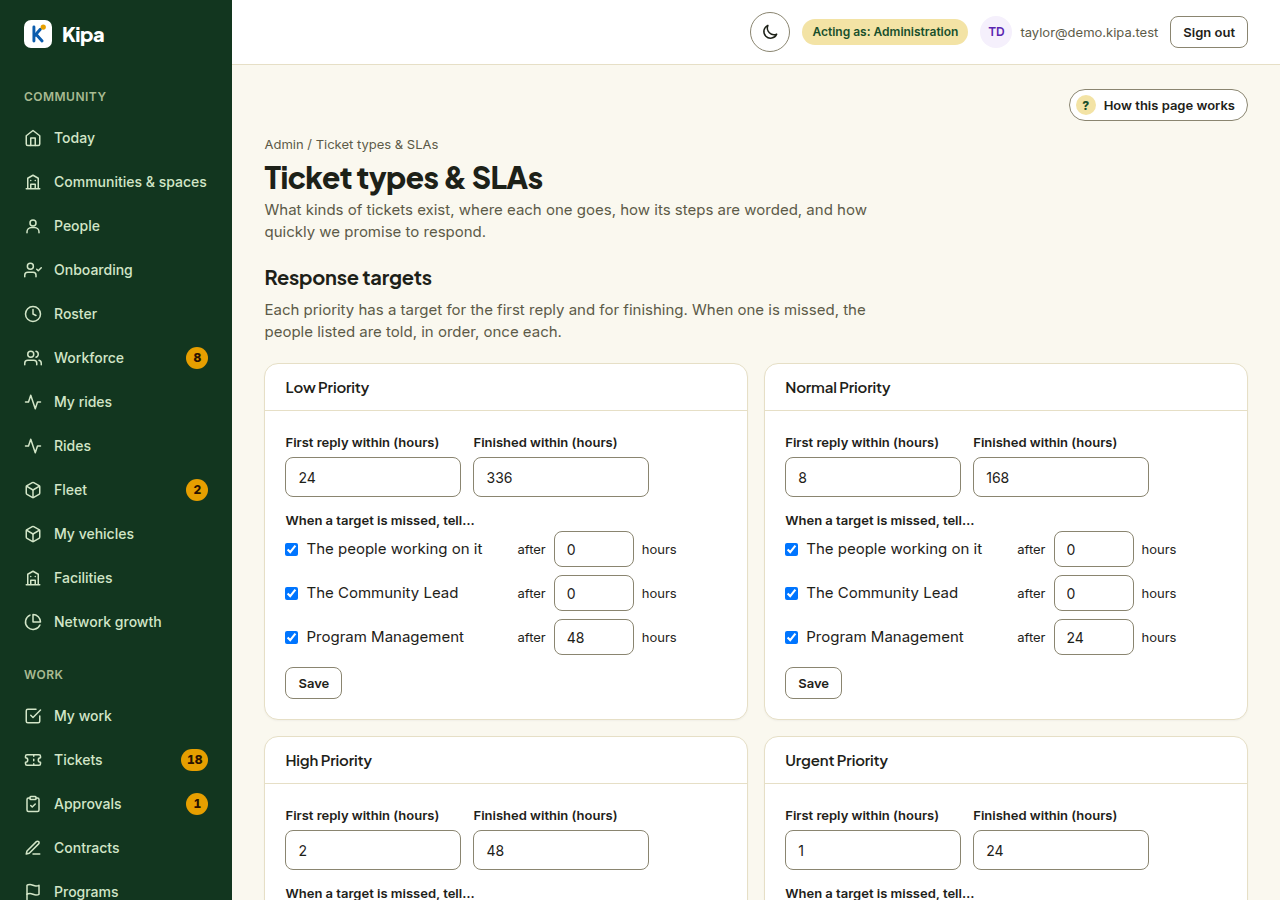
- Ticket types & SLAs. Change a response target (an SLA). New tickets use it.
- Approval chains.
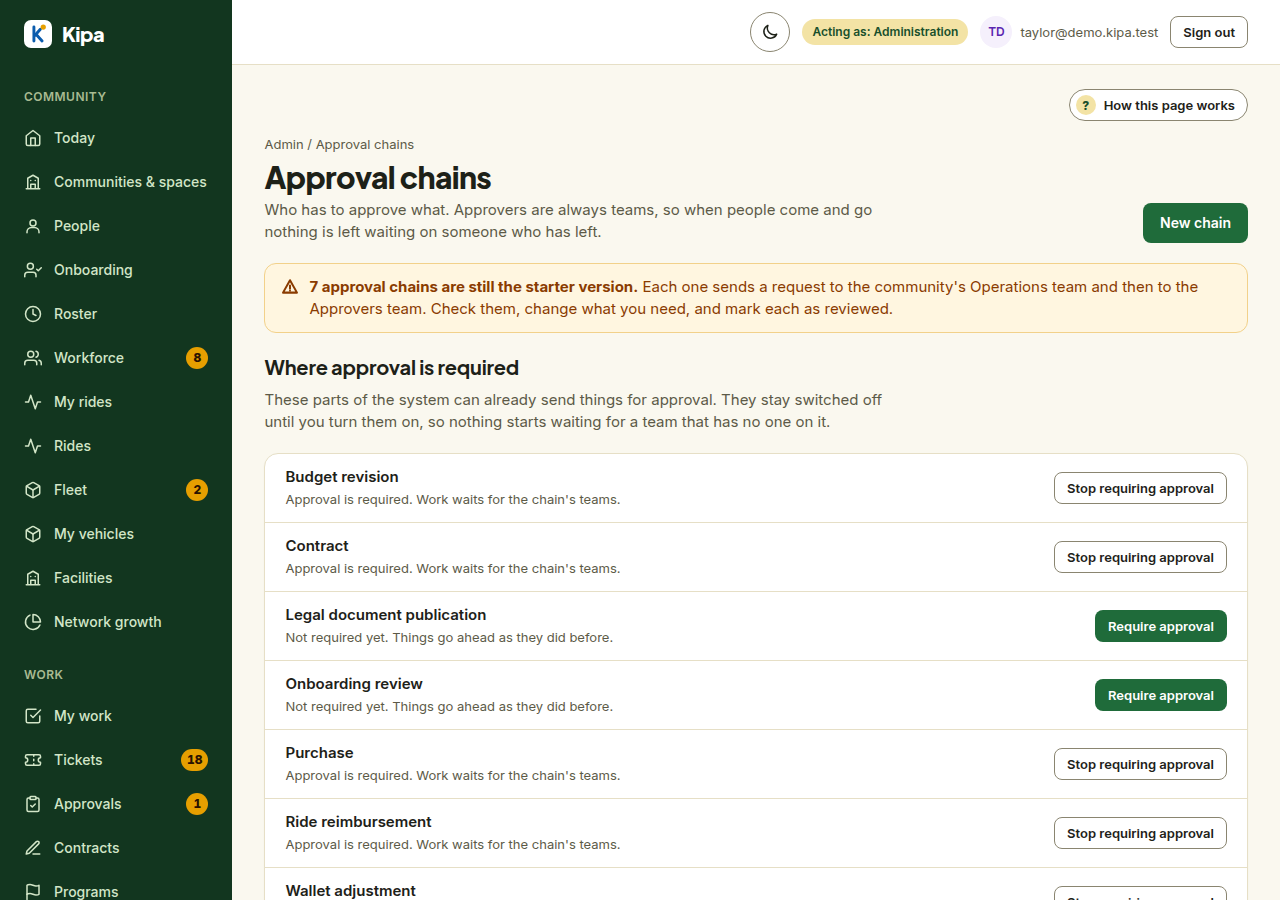
Open a chain and save a new version: the version number goes up. Requests already started keep their old chain. Each step names a team; make sure every team has people in it.
Importing data#
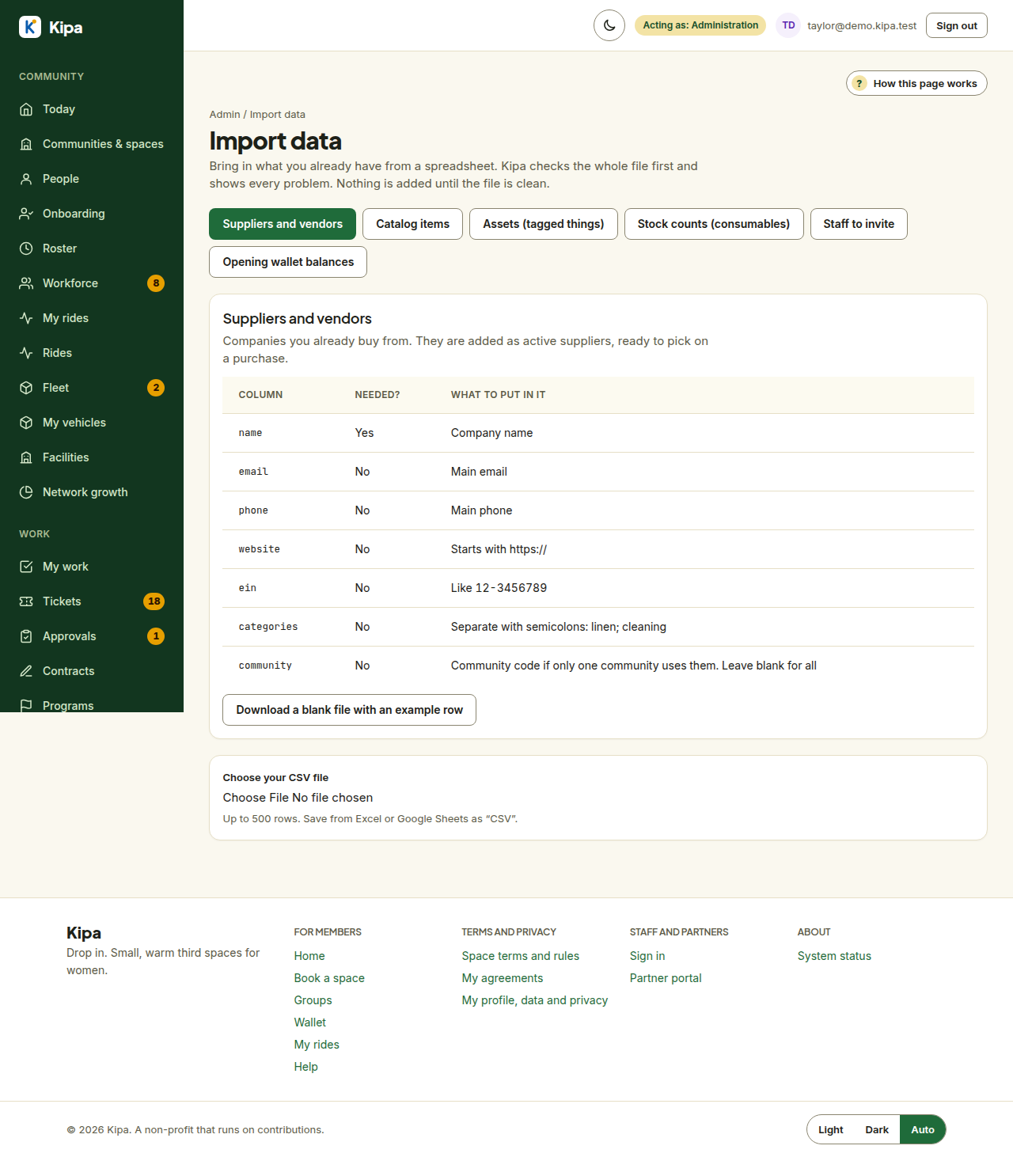
Upload a file for people, assets or opening balances. A bad row is refused with the row number and the reason. A clean file adds its rows.
System health#
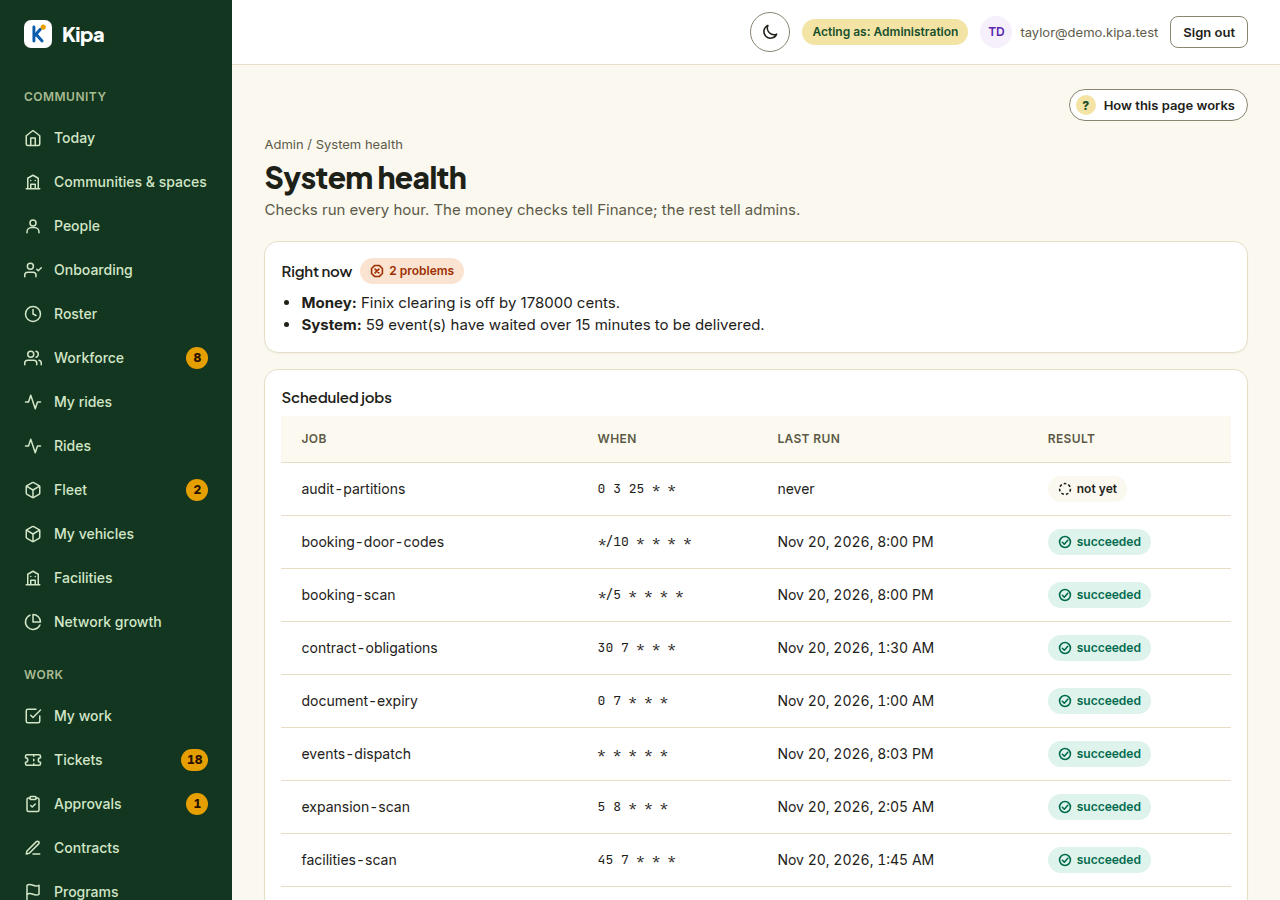
Shows whether each part of Kipa is working.
Break-glass access#
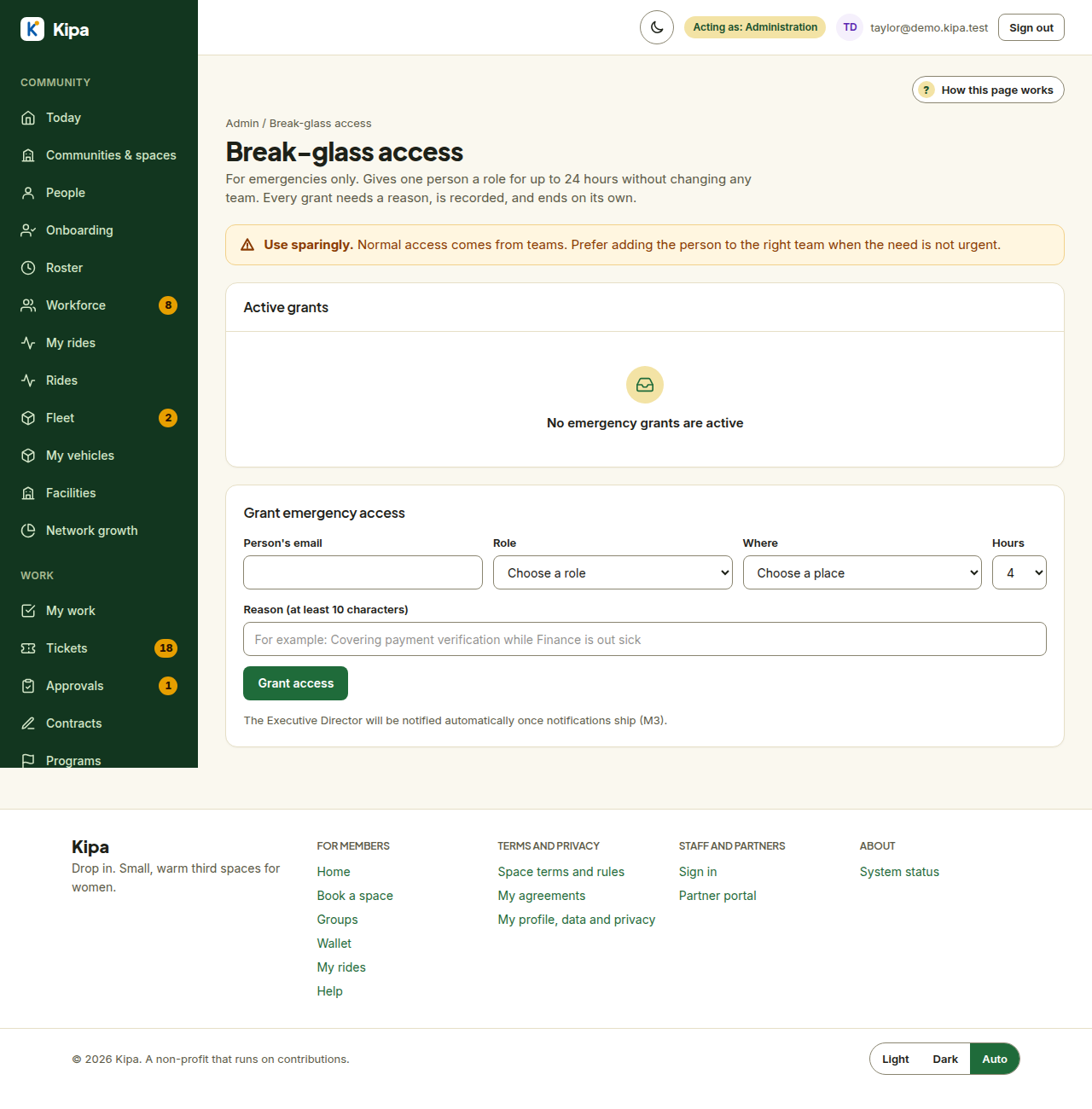
For an emergency only. Grant a role to a person for a short time (for example one hour) with a reason of at least 10 characters. The grant shows with an end time and Revoke removes it. Everything is recorded.
Communities and time zones#
When a community is created, Kipa makes its cost centers on its own (the community itself plus Fixed facility, Program, Variable and Capital). As a System Administrator you can add more under Budgets, the same way Finance does (see Finance).
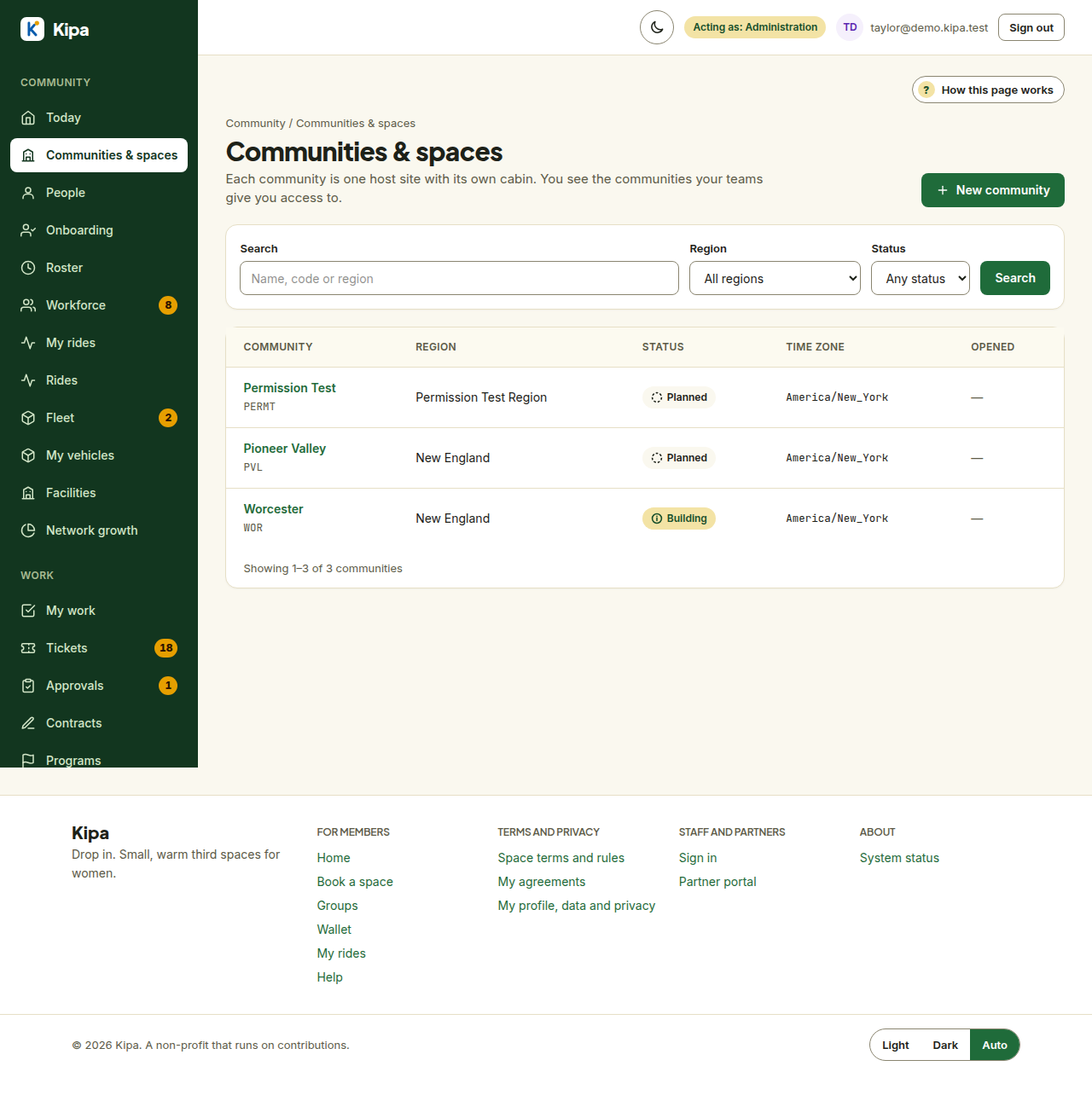
Open a community to change its cabin name, zones, opening hours and time zone. The Community Kitchen's "today", clock and last time to order follow the community's time zone.
Reports#
Build a report, preview it, and share it with people. Those people can run it; the change is in the audit.
If something goes wrong#
| You see | What to do |
|---|---|
| "No one can decide" on an approval | Add people to that step's team |
| You cannot remove a System Admin | You cannot remove the last one |
| A break-glass request is refused | The reason must be at least 10 characters |