Guide for Program Managers#
Decisions across communities: service providers, rides pay, kitchen settings and discounts, fleet approvals, network growth, projects and the emergency contact.
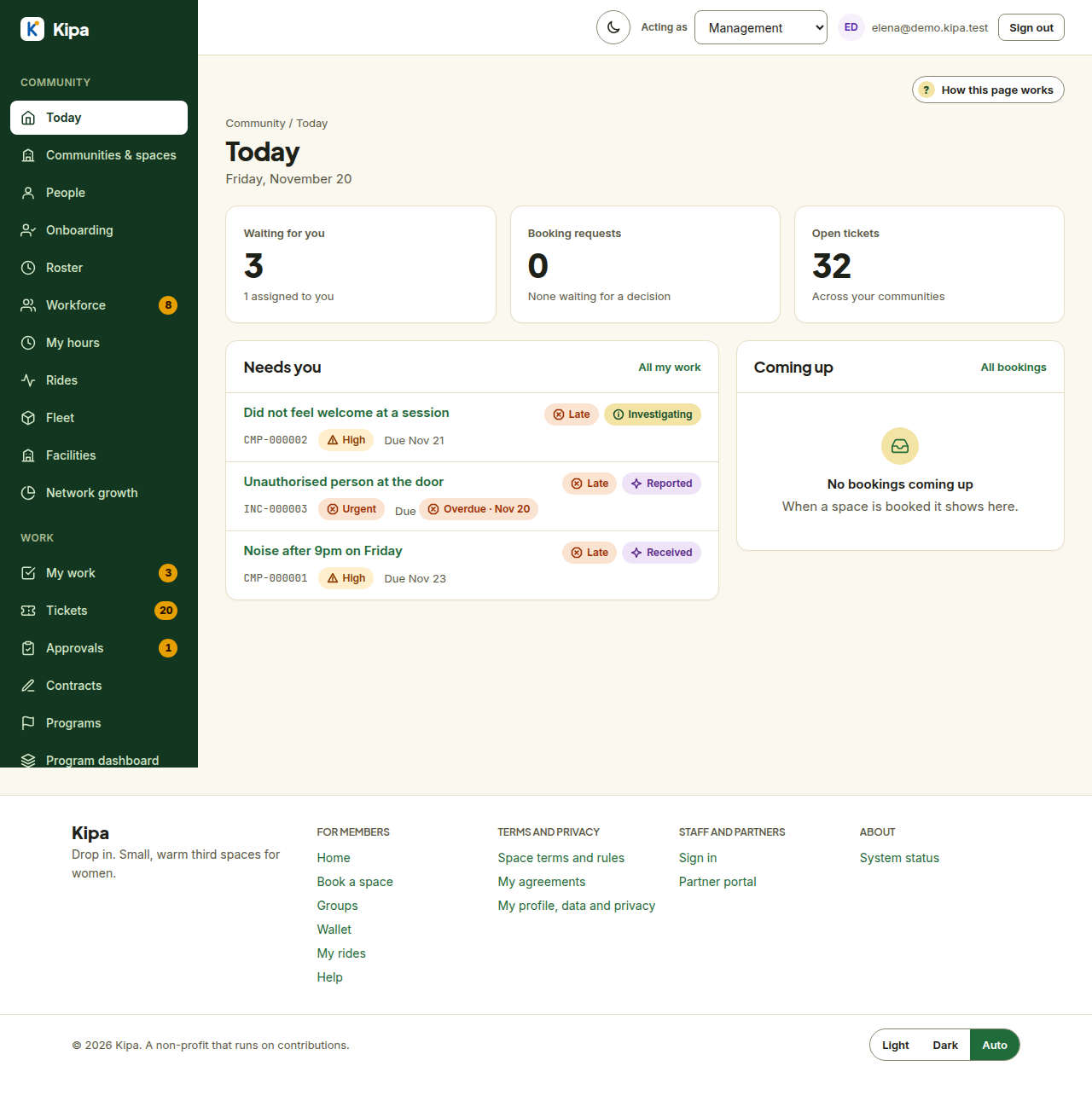
A Program Manager works across communities in a region. You sign in with a password and an authenticator code and land on Management, a list of screens. You can do what a Community Lead can in any community of your region, plus the decisions below.
What you can do#
- Decide requests to join from local service providers (and see member requests).
- Approve service providers' listings, and block them.
- Set up rides pay, the Community Kitchen and its discounts.
- Approve fleet work tickets and set fleet cost centers.
- Open the emergency contact (with a reason, recorded).
- Grow the network: add sites and open them.
- Plan programs and projects.
Management#
Requests to join#
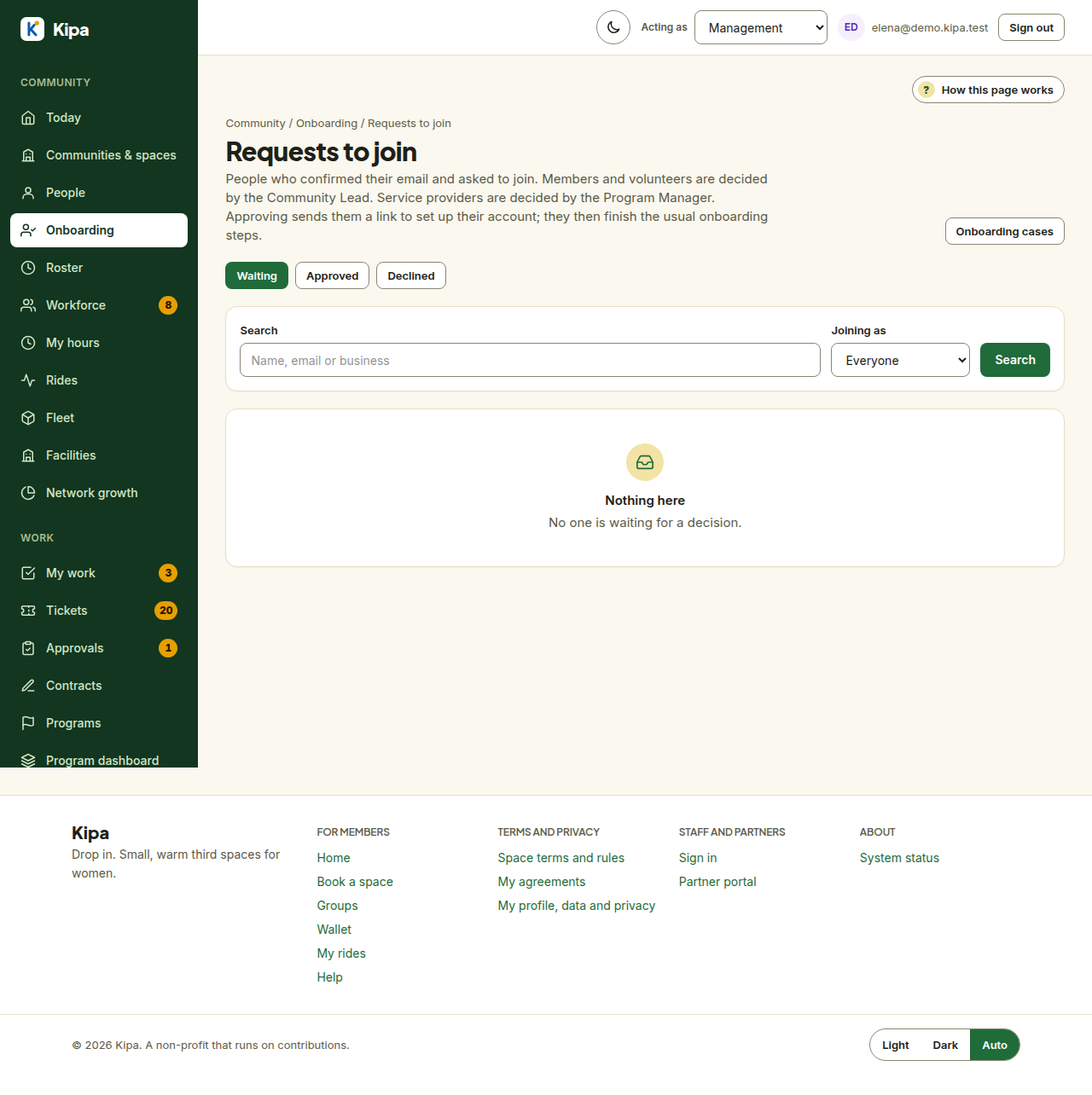
Open Onboarding, Requests to join. A Service provider request shows with that label. Decline with a reason (the person is emailed the reason and no account is made), or Approve (they get a set-up link, but are not listed to members until their listing is approved under Service providers). You also see member requests.
Approvals#
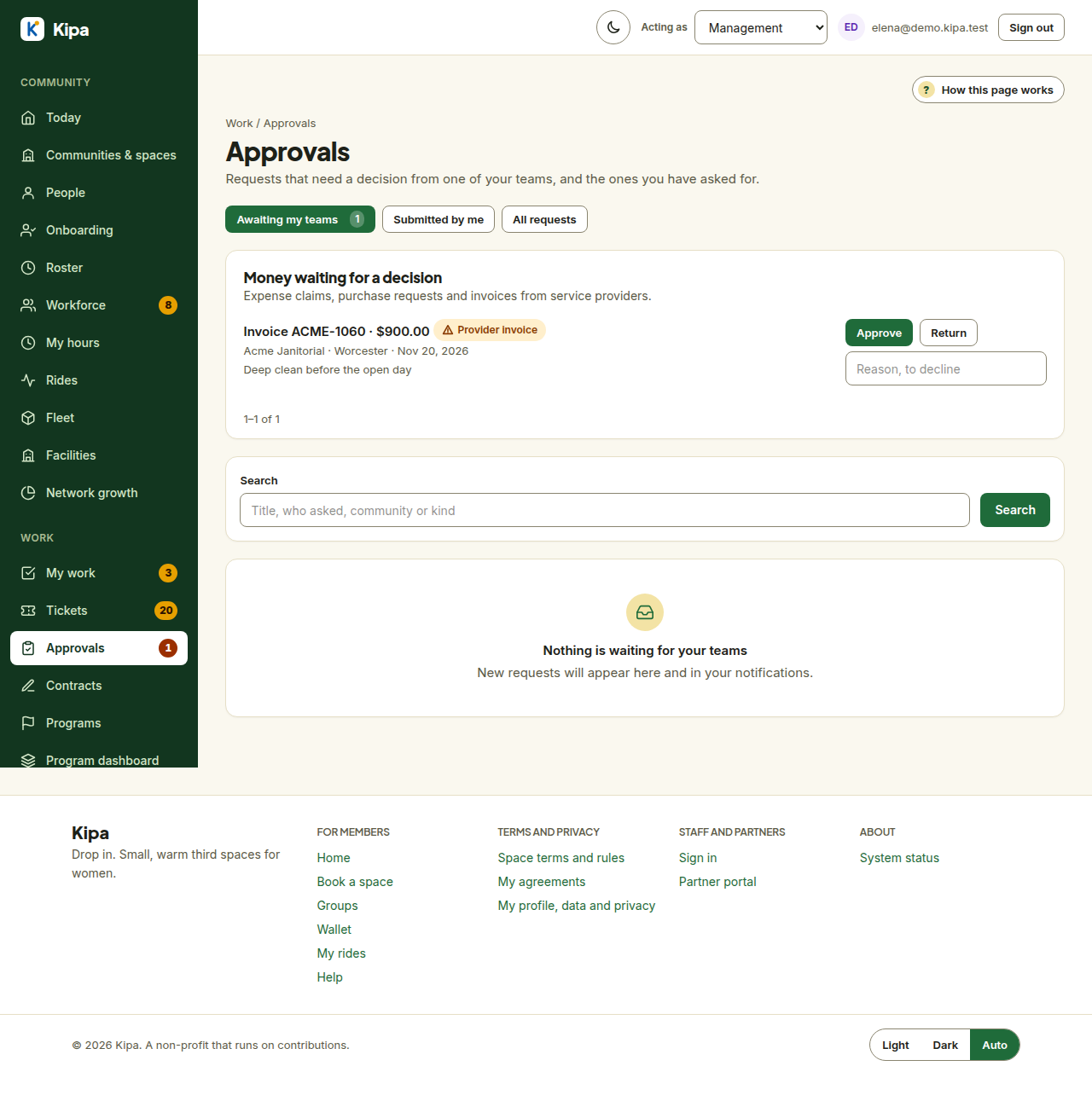
You approve work from your community leads and fleet manager. Fleet work tickets with an estimate wait for you. A Fleet Manager reports to you, and a Head Chef reports to you.
Service providers#
- Invite an organization as a Vendor in a community (a Program Manager may invite vendors). The vendor finishes onboarding: organization details, W-9, certificate of insurance, agreements.
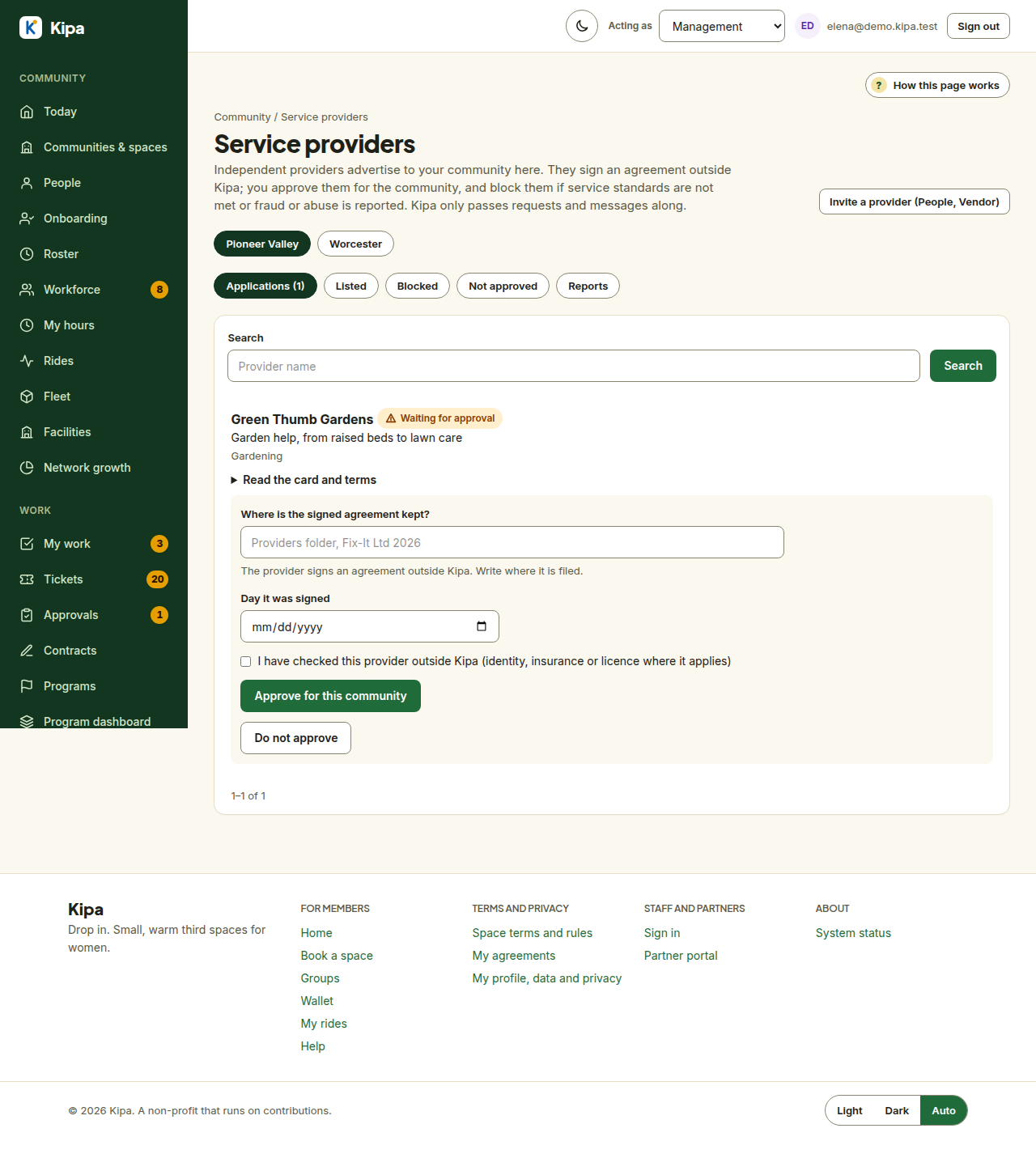
- Applications. Open the application and press Read the card and terms. You see the provider's card (headline, description, kind of service, phone) and their own terms.
- Approve with where the agreement is filed, the day it was signed, and the box "checked outside Kipa". Each missing item is refused. The provider is told, and members of the community now see the card under Local services. A Community Lead can see applications but not decide.
- Reports. A member can report a problem with a provider. You can Block this provider with a reason: the provider disappears from members' cards, open requests become Cancelled and members are told, and the provider is told. List again restores them.
Kipa takes no payment for providers.
Rides#
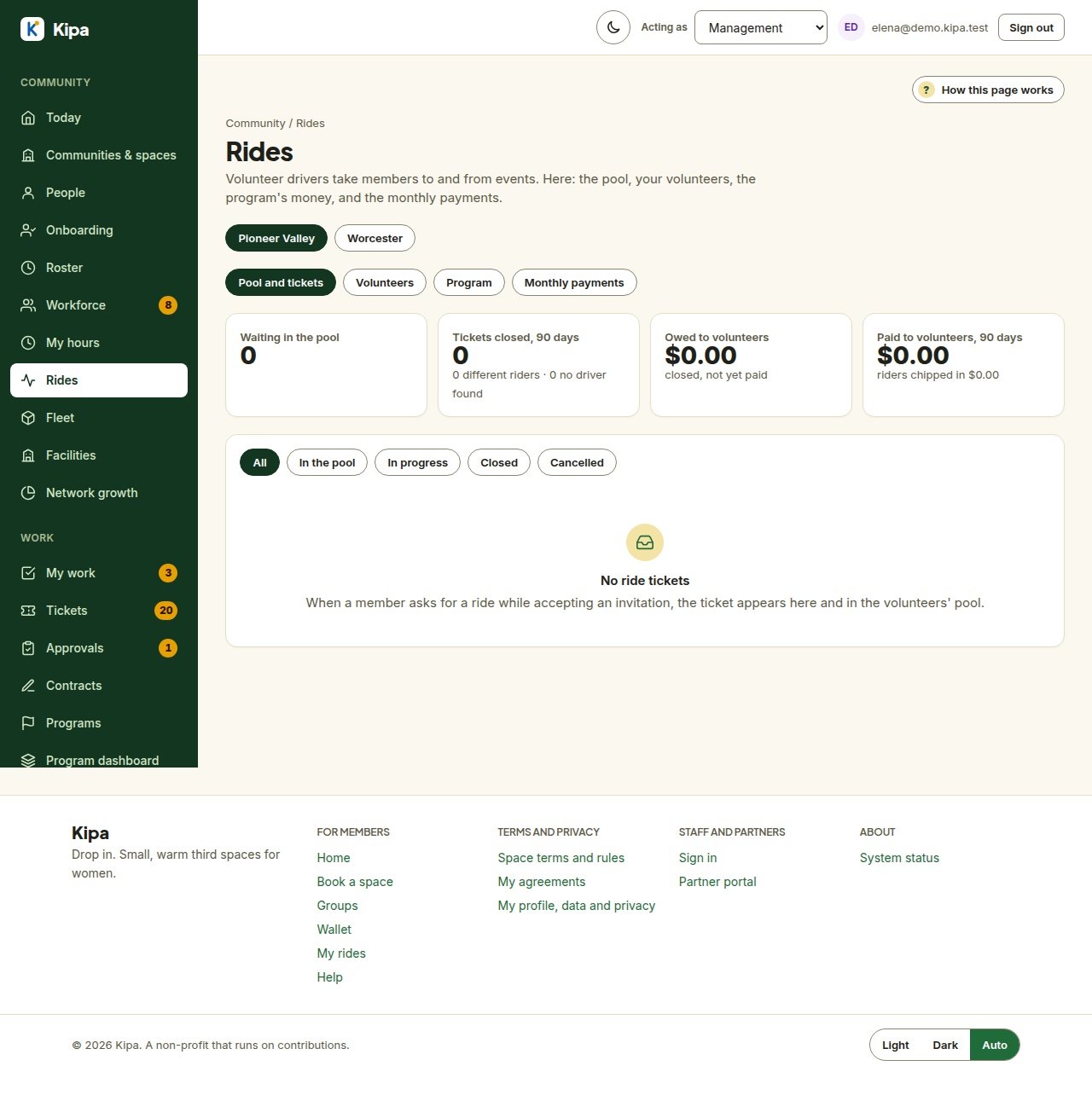
- Program. Choose the rides cost center, the rider chip-in (for example $3) and the volunteer flat rate (for example $5). A Community Lead and a Program Manager can both change them.
- Monthly payments. Choose the month: you see each volunteer, tickets closed and the amount (tickets times the flat rate), paid from the named cost center. Press Pay volunteers: the amounts go into each volunteer's wallet ("Paid for your rides") and are booked against the rides cost center. Running it again pays nobody twice. Marcus-style volunteers are told.
Community Kitchen#
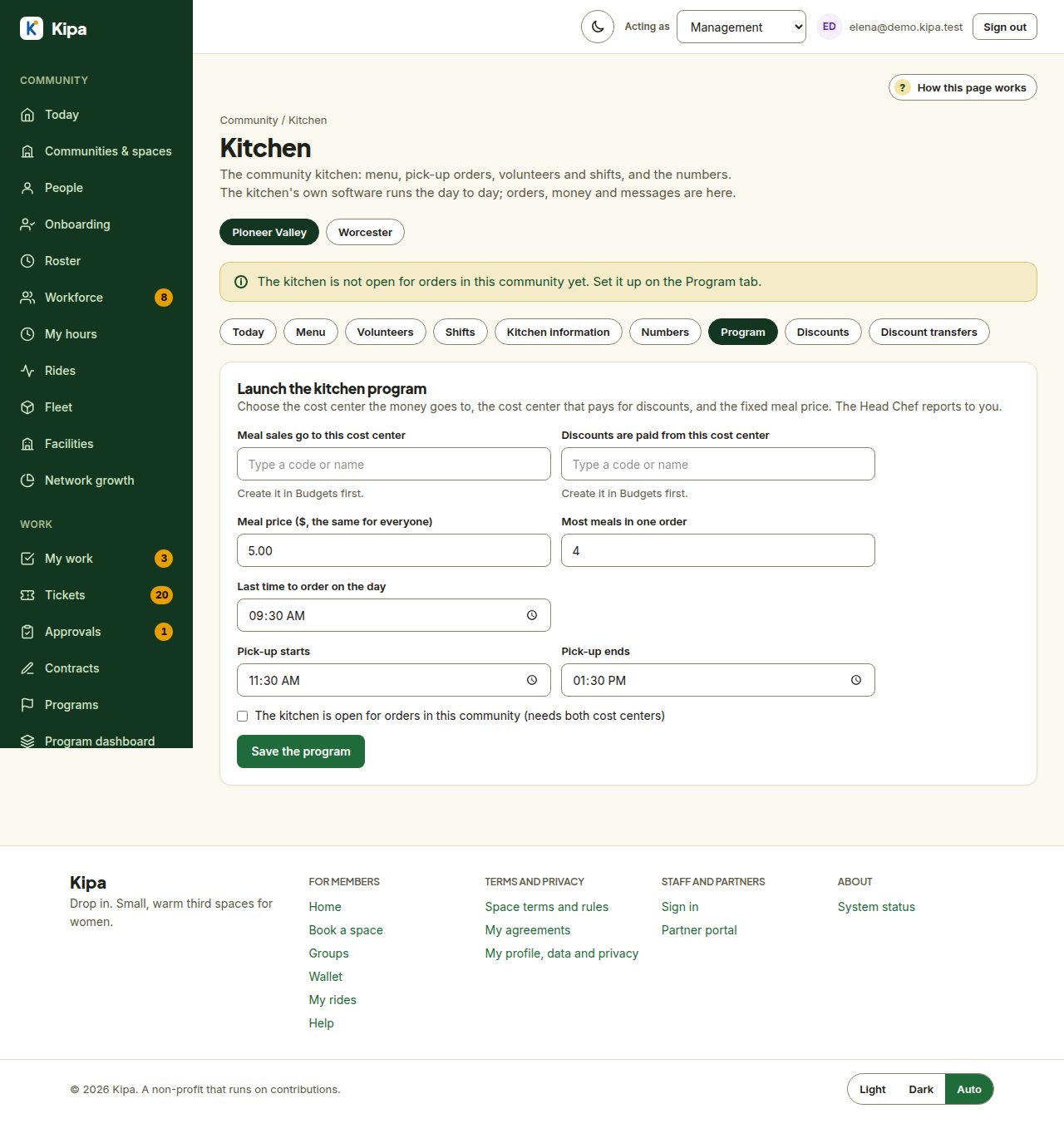
Under Kitchen, Program you choose the sales cost center and the discount cost center, set the price (for example $5) and open for orders. Without both cost centers it will not open. The Head Chef cannot change this.
- Discounts. Members ask for help with the price. Open Discounts and approve an amount (for example $2 until a date). The member sees the discounted price; the difference (for example $3 a meal) is owed by the discount cost center.
- Discount transfers. After a month ends, press Move the month: a pair of entries is made, and the month shows Moved and cannot be moved again. The current month cannot be moved yet.
- Kitchen information. The Head Chef fills it in; you can mark it reviewed. A later change clears the review.
- Numbers. Meals ordered and picked up, sales, discounts, food left over and volunteer shifts.
Fleet#
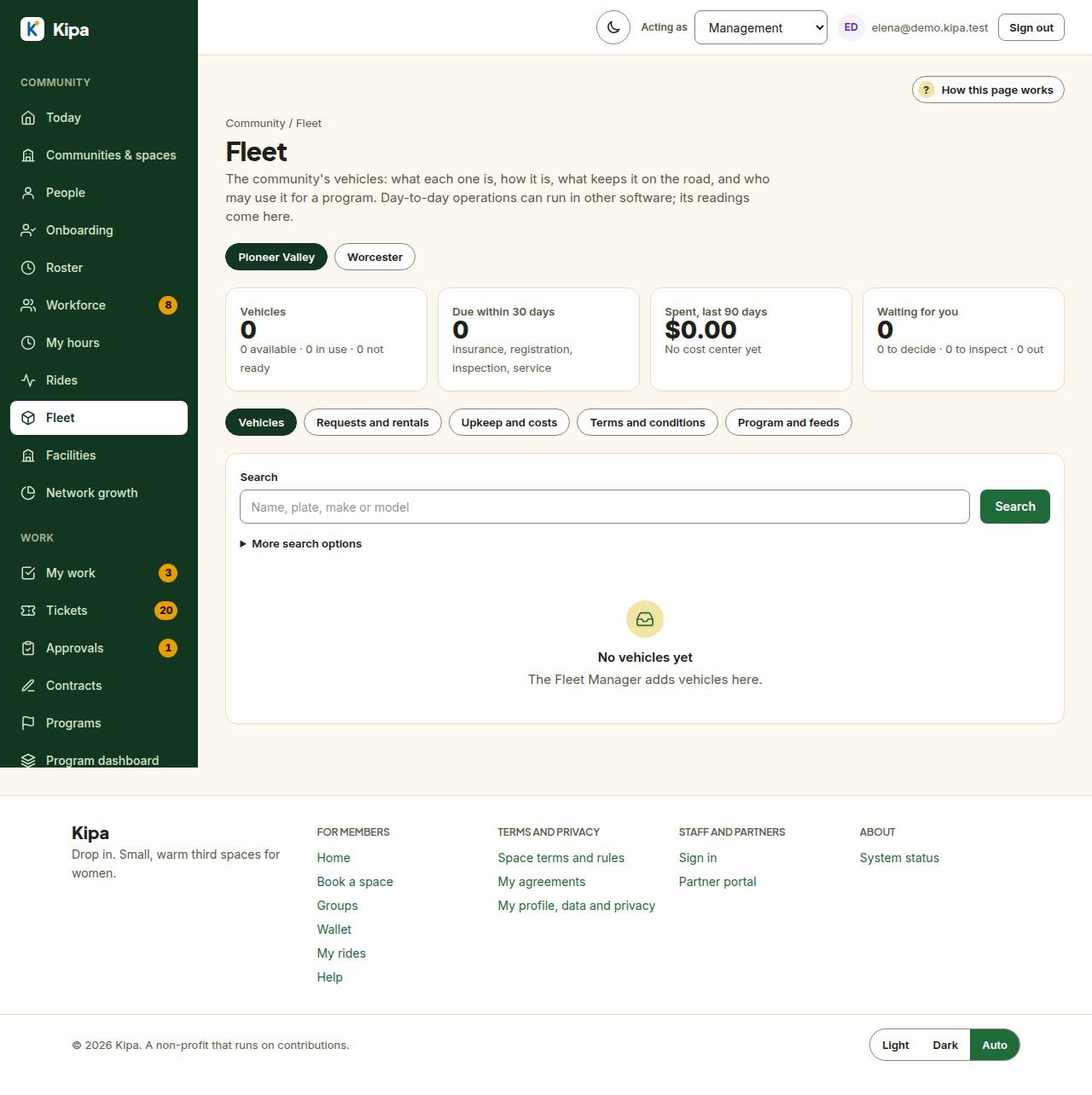
Under Fleet, Program and feeds you choose the fleet cost center (for example WOR-FLEET). Costs recorded afterwards are tagged with it. Fleet work tickets from the Fleet Manager wait on your Approvals page: approve, and the Fleet Manager can work it. See Fleet Managers.
Network growth#
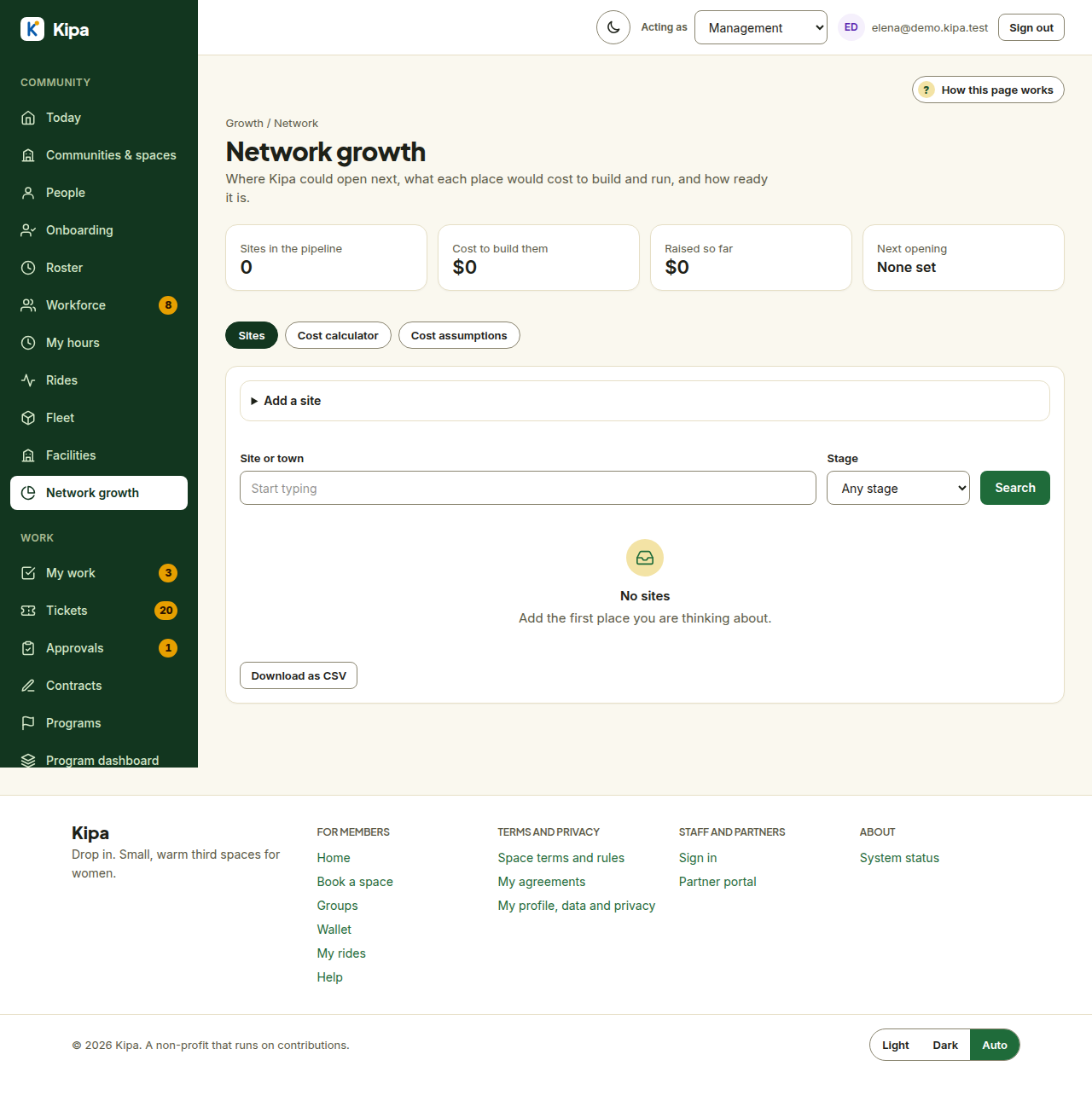
- Add a site. It appears at the first stage.
- Open the site and tick the readiness checks. Progress is saved. Add costs; totals update.
- Mark as open needs a community first: use Copy a community from an existing one (a new community appears as Building). Then press Mark as open (confirm if checks are unfinished). The site shows Open and its community is Open and bookable.
- If you pause or reopen the community, the site follows. Download the site summary for a file.
Programs and projects#
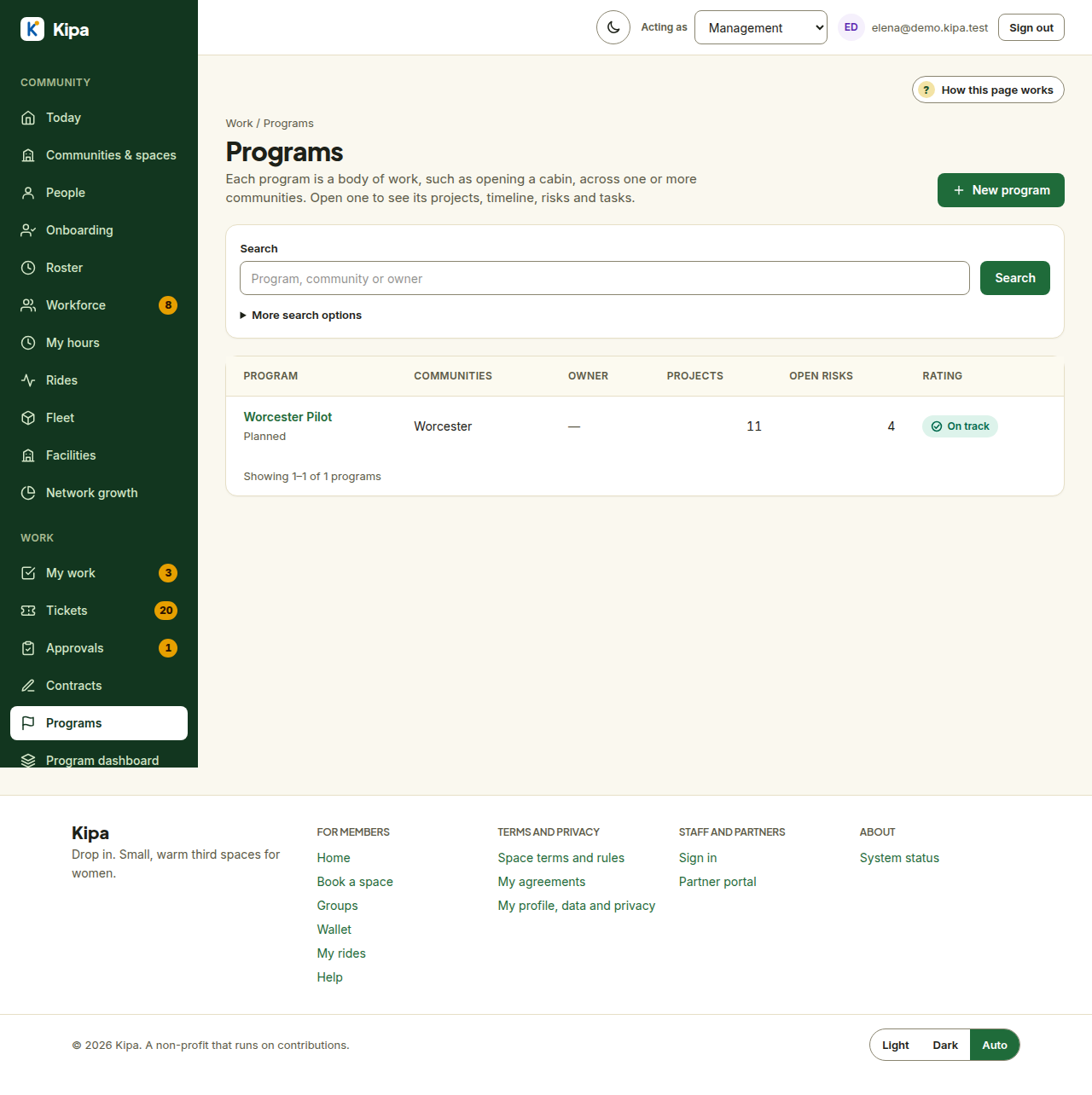
Read the pilot plan (phases and milestones). Plan a project and make tasks from a milestone; they appear on the Program dashboard.
The emergency contact#
On a member's card the emergency contact says "On file". When you open it, Kipa asks for a reason (a few words). After you give one, you see the name, relationship and phone, and the opening is recorded.
If something goes wrong#
| You see | What to do |
|---|---|
| "Mark as open" asks for a community | Copy a community first |
| A provider approval is refused | Fill in where the agreement is filed, the day it was signed and the checked box |
| The kitchen will not open for orders | Choose both the sales and discount cost centers |