Guide for Finance#
Budgets, payments and payouts, payables (bills and expense claims), purchases, fundraising and the payroll hours export.
Finance keeps the books and moves money. Every payment, bill and gift has a second person who must agree: you never approve your own. You sign in with a password and an authenticator code.
What you can do#
- Build and approve budgets; manage cost centers.
- Check cash and bank deposits, make payouts and refunds, and run money reports.
- Enter vendor bills and expense claims and pay them.
- Record donors, gifts, restricted funds and grants.
- Pay for approved purchases; export payroll hours.
Budgets#
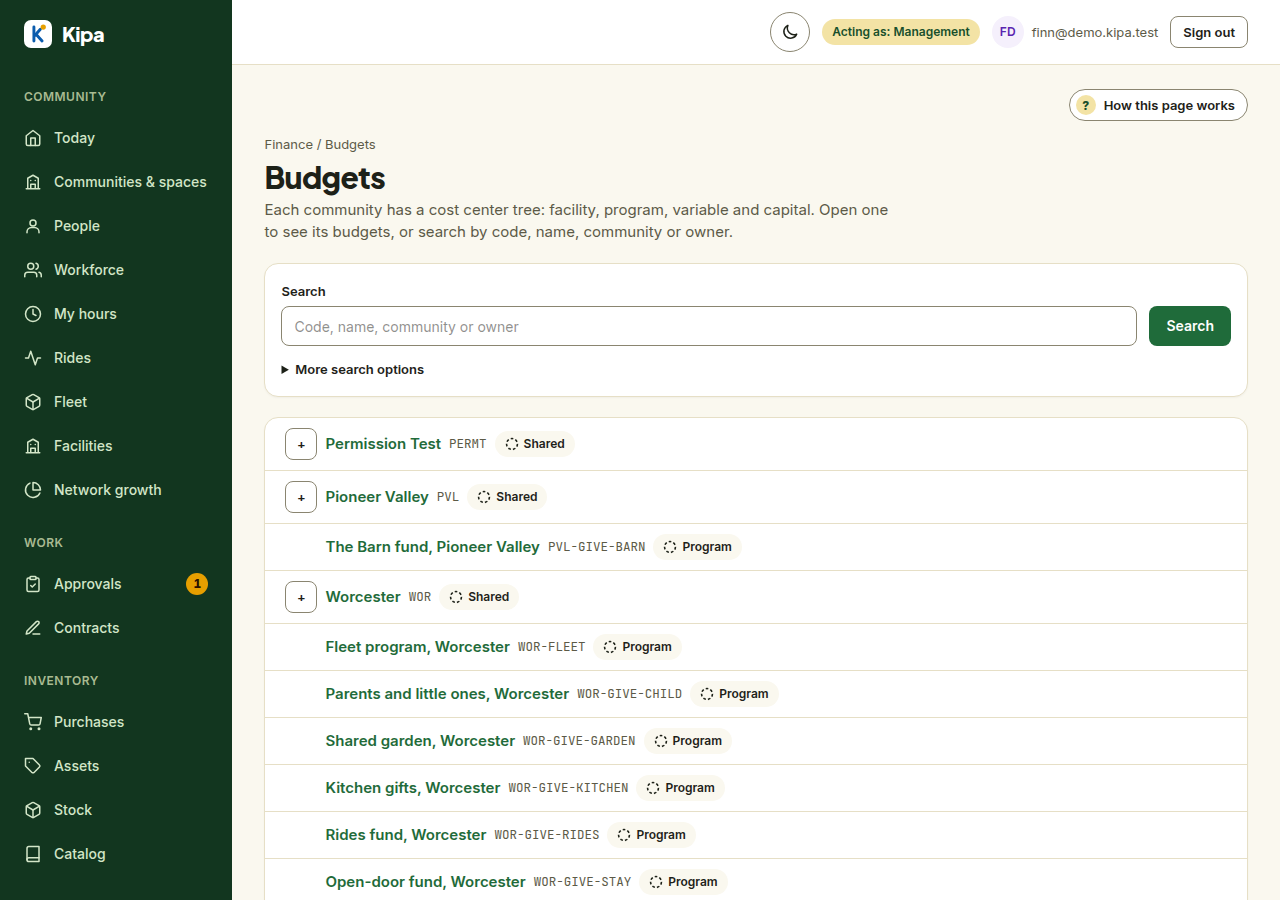
- Open Budgets and browse the tree. Cost centers open.
- Draft a budget with a driver row: numbers follow the driver (for example a rate and a count).
- Submit. A second person approves, and the budget becomes Approved.
- Add, edit or deactivate a cost center. A deactivated one is hidden from new entries.
Who creates a cost center#
- Kipa creates the first ones. When a new community is added, Kipa makes its main cost center (named after the community, for example WOR) and four under it: Fixed facility (-FAC), Program (-PRG), Variable (-VAR) and Capital (-CAP). Nobody has to make these by hand.
- Finance and System Administrators make the rest. Only these two can add, edit, move or deactivate a cost center. Community Leads, Program Managers and the Executive Director can look at the tree and the budgets but not change it. If they press a change, they get "You do not have permission".
- To add one: open Budgets, open the cost center it should sit under, press Add a cost center under this one, fill in the code (capital letters, numbers and dashes, for example WOR-PRG-YOGA), the name and the kind, and press Create. The owner's email is optional.
- A new cost center sits in the same community as the one above it. It cannot be moved to another community.
- Need a new one and you are not Finance? Ask Finance. Programs, rides, the kitchen, the fleet and donor programs each ask you to pick an existing cost center, so it must exist first.
Payments, payouts and reports#
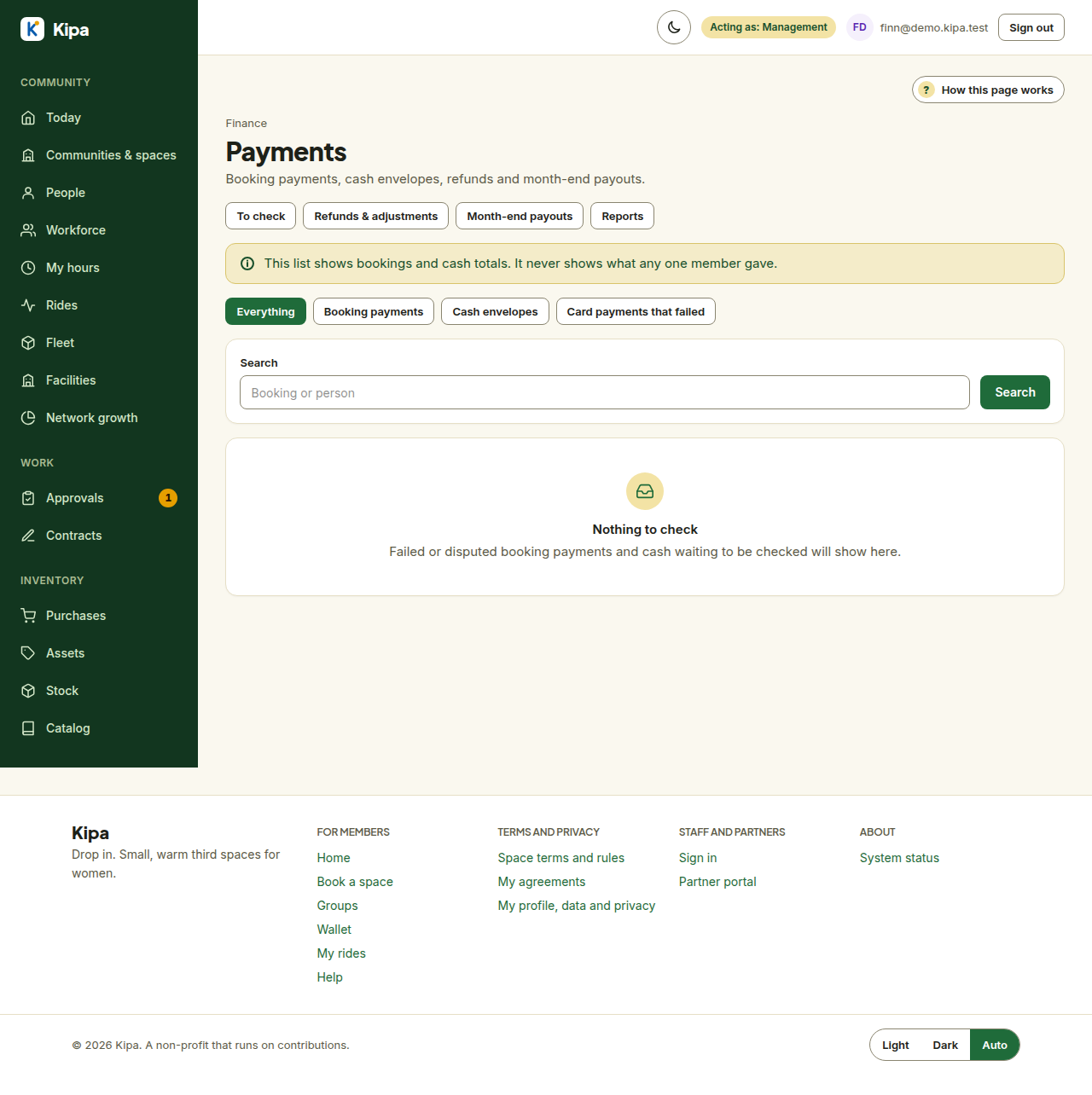
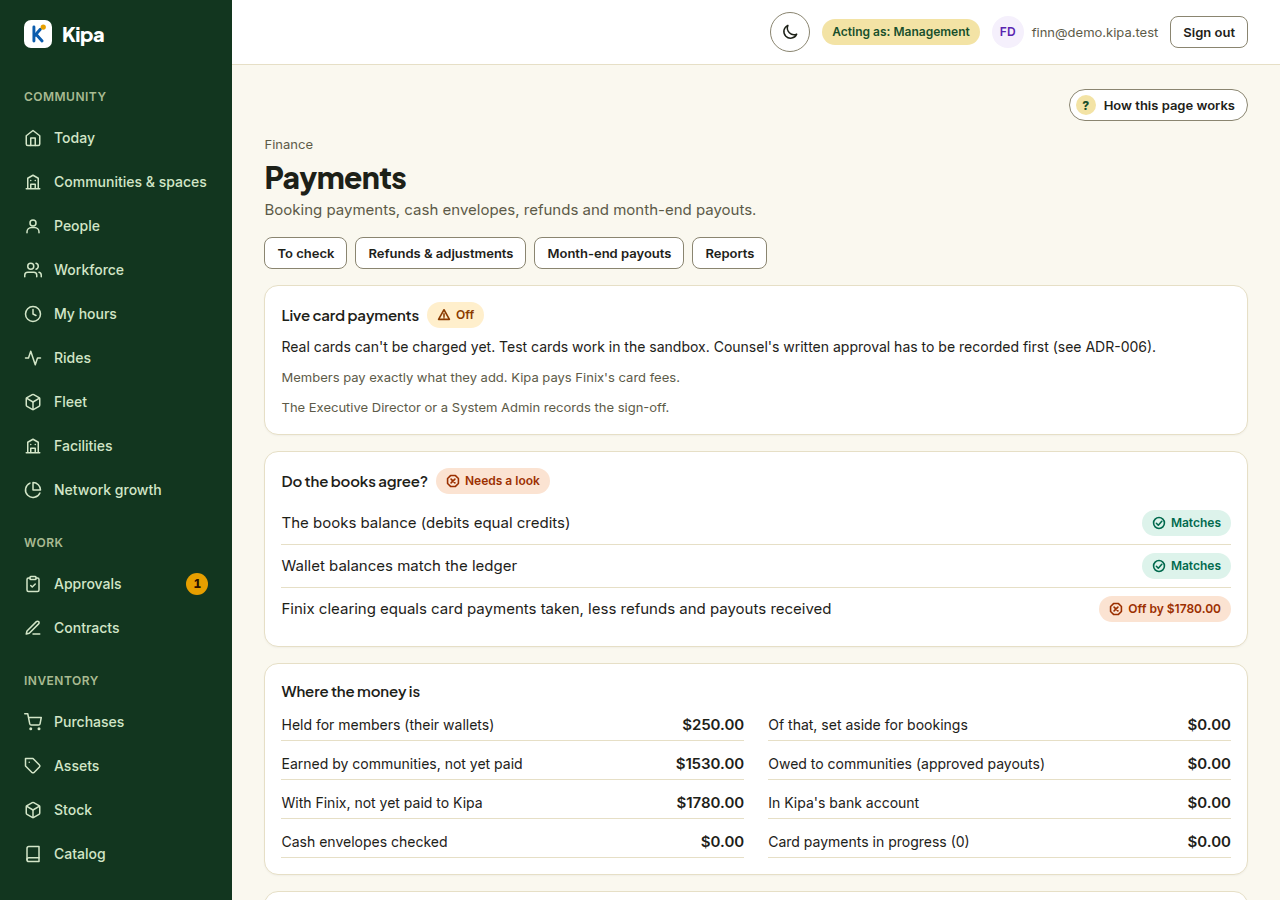
- Check cash. A Community Lead records a cash envelope total. A different person (you, or a Program Manager) enters the bank deposit reference and confirms it matches. A mismatch is flagged with a note: investigate, but do not adjust the amount.
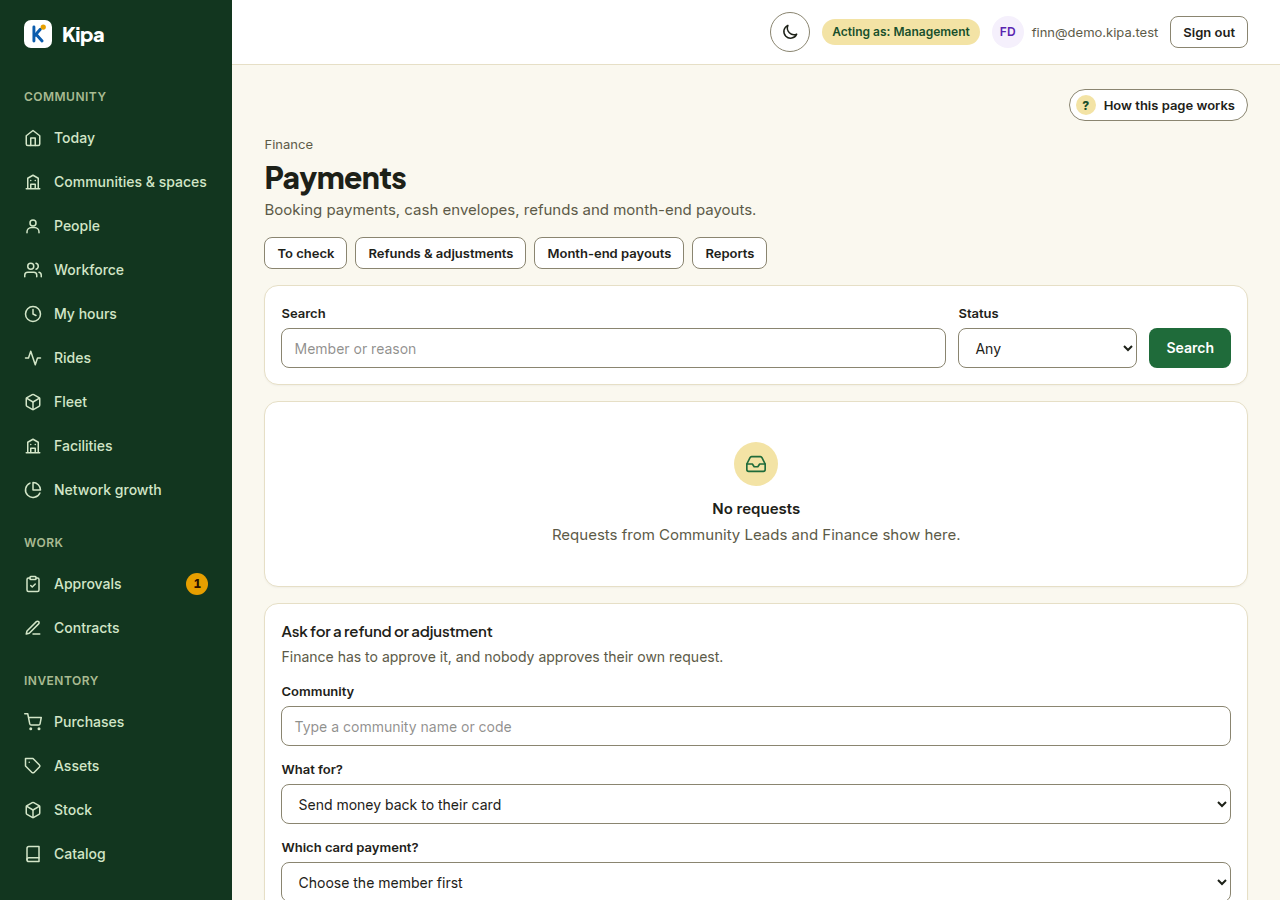
- Refunds and adjustments. A refund to a card needs a second person's approval. Never promise a refund before it is approved.
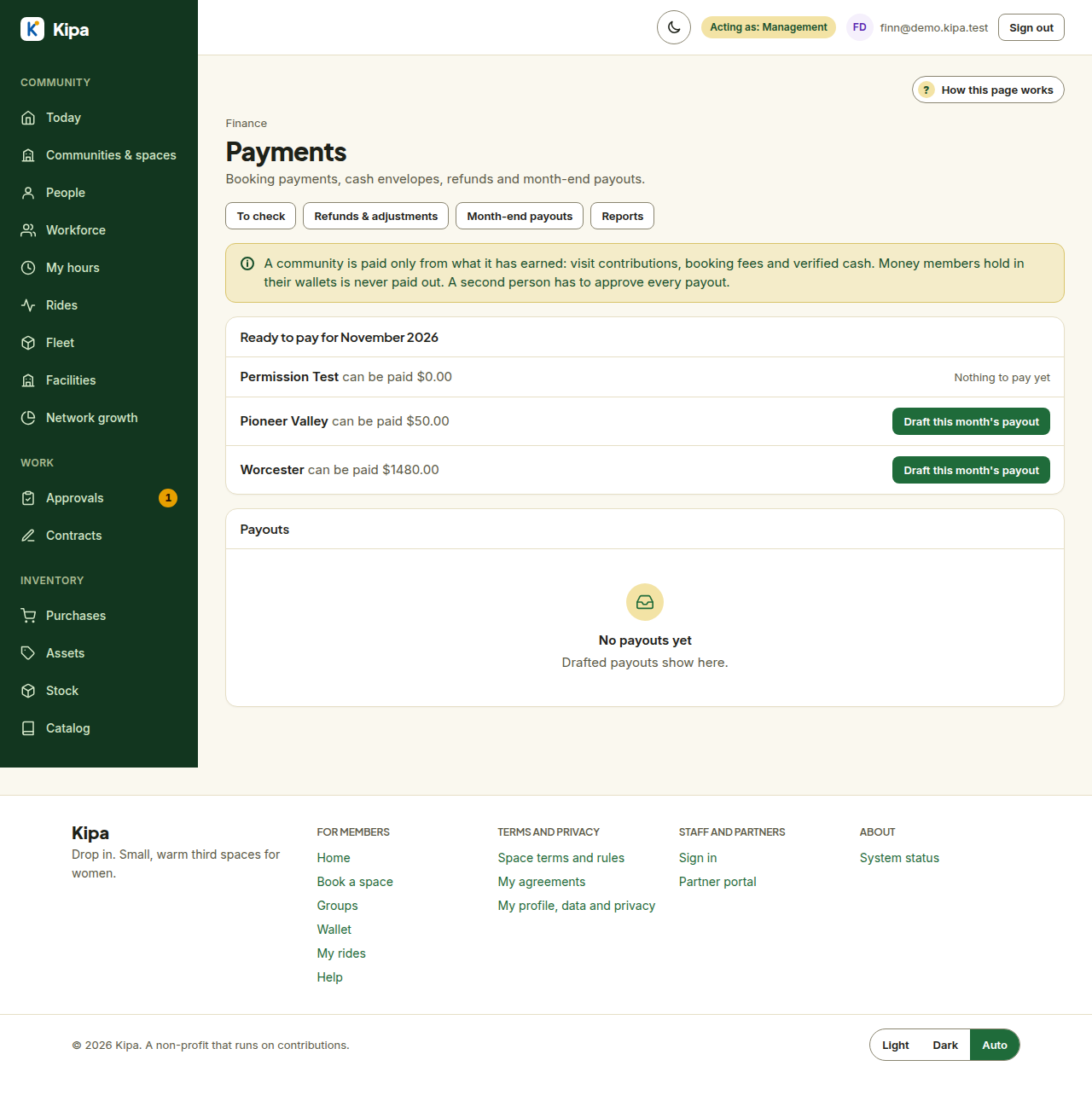
- Payouts. At month end open Reports and check every line says Matches. Then Draft this month for each community. A second person approves. Pay by bank transfer and mark it paid with the transfer reference. Record each Finix payout received, including the fees Finix kept.
Payables: bills and expense claims#
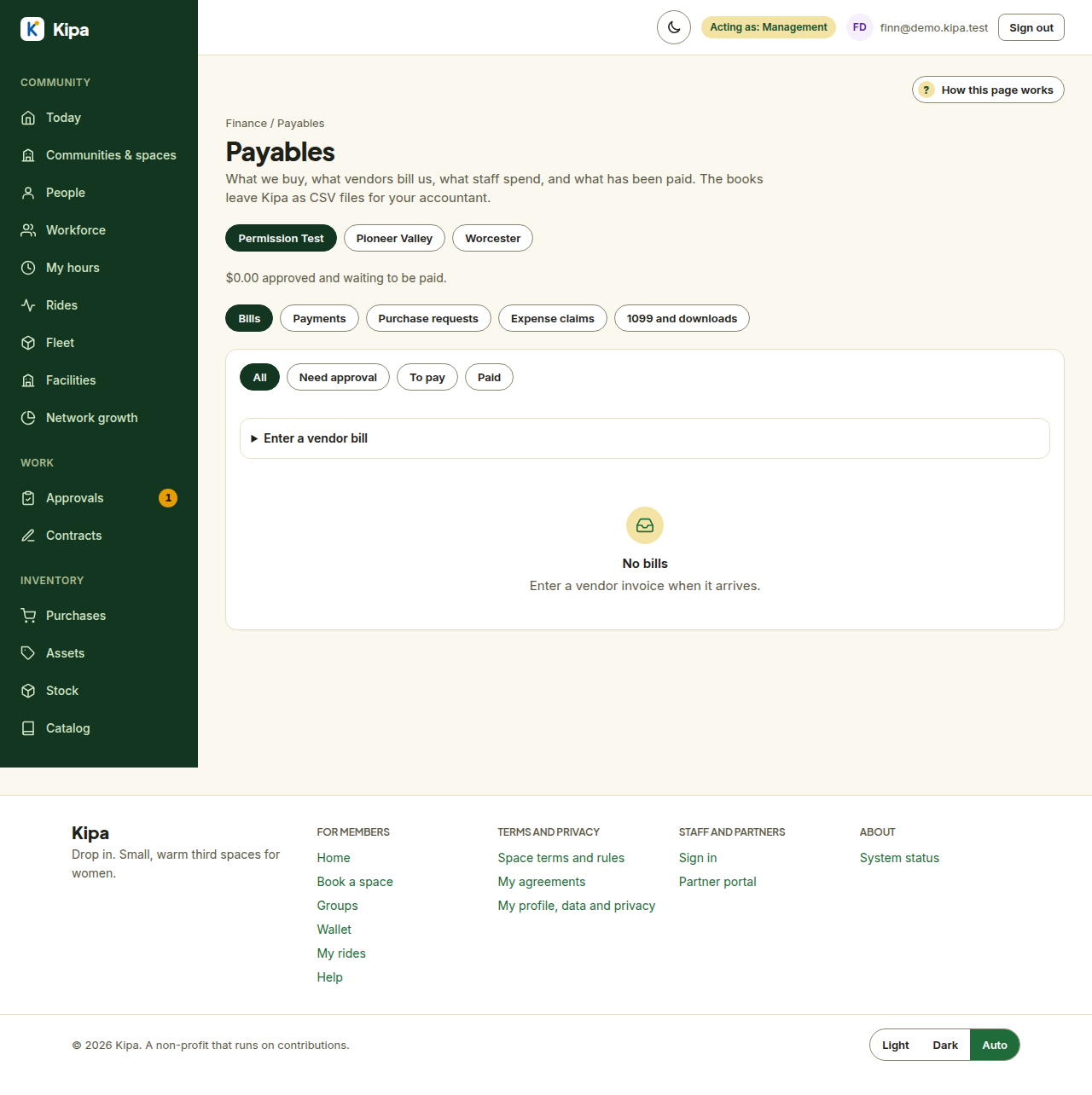
- Enter a vendor bill and attach the invoice (a PDF or image, up to 10 files of 15 MB each). Enter an expense claim the same way.
- Both wait for approval. Someone else approves; you cannot approve your own.
- After approval, Pay, then Export: the status becomes Paid and a file downloads.
- Open a claim to open its receipts. Receipts can be added only while a claim is open.
Volunteer claims are paid into the volunteer's wallet; an employee's claim waits for the payment run.
Purchases#
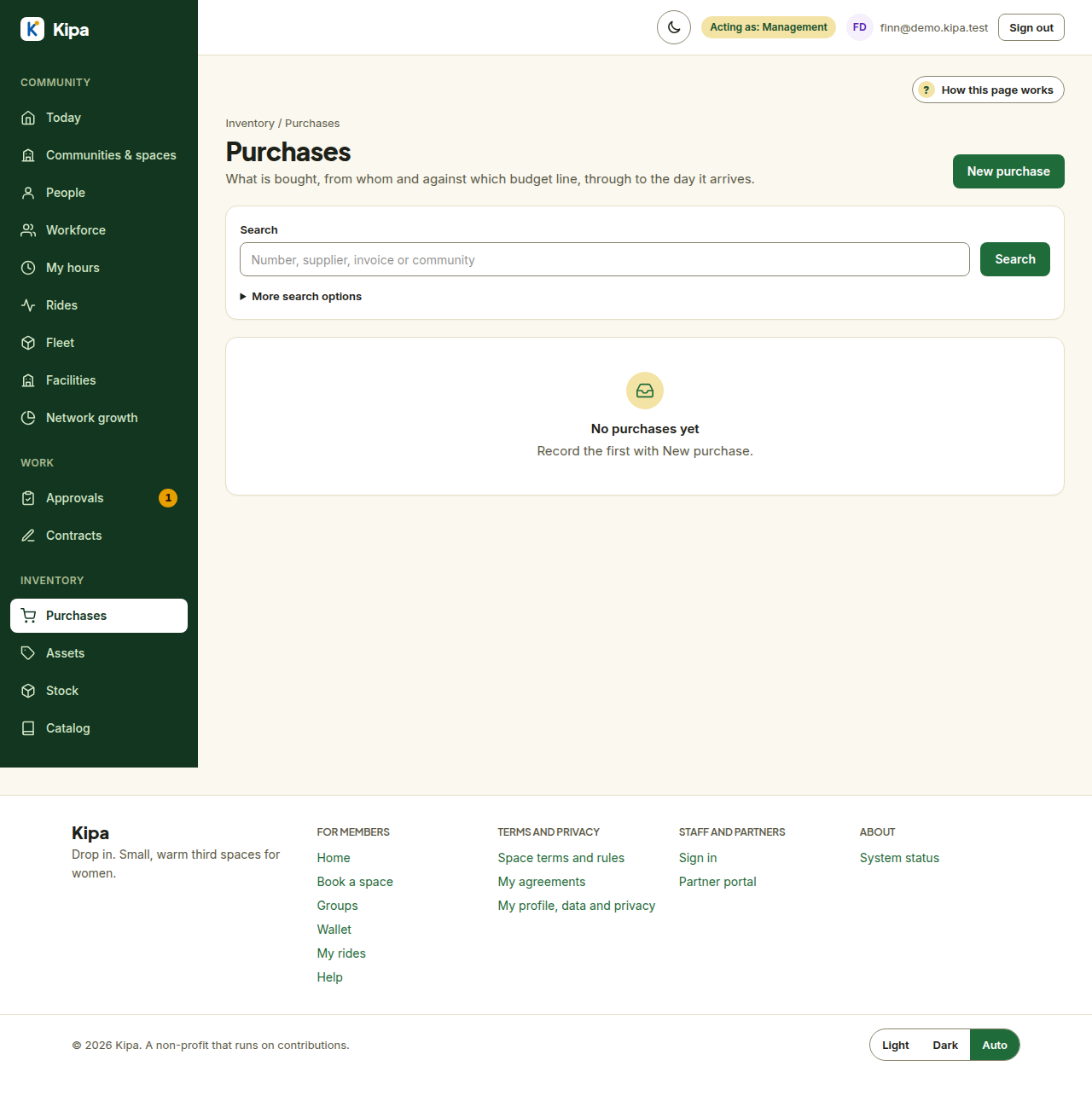
A purchase request waits for approval. After approval, the goods are received and stock goes up.
Fundraising#
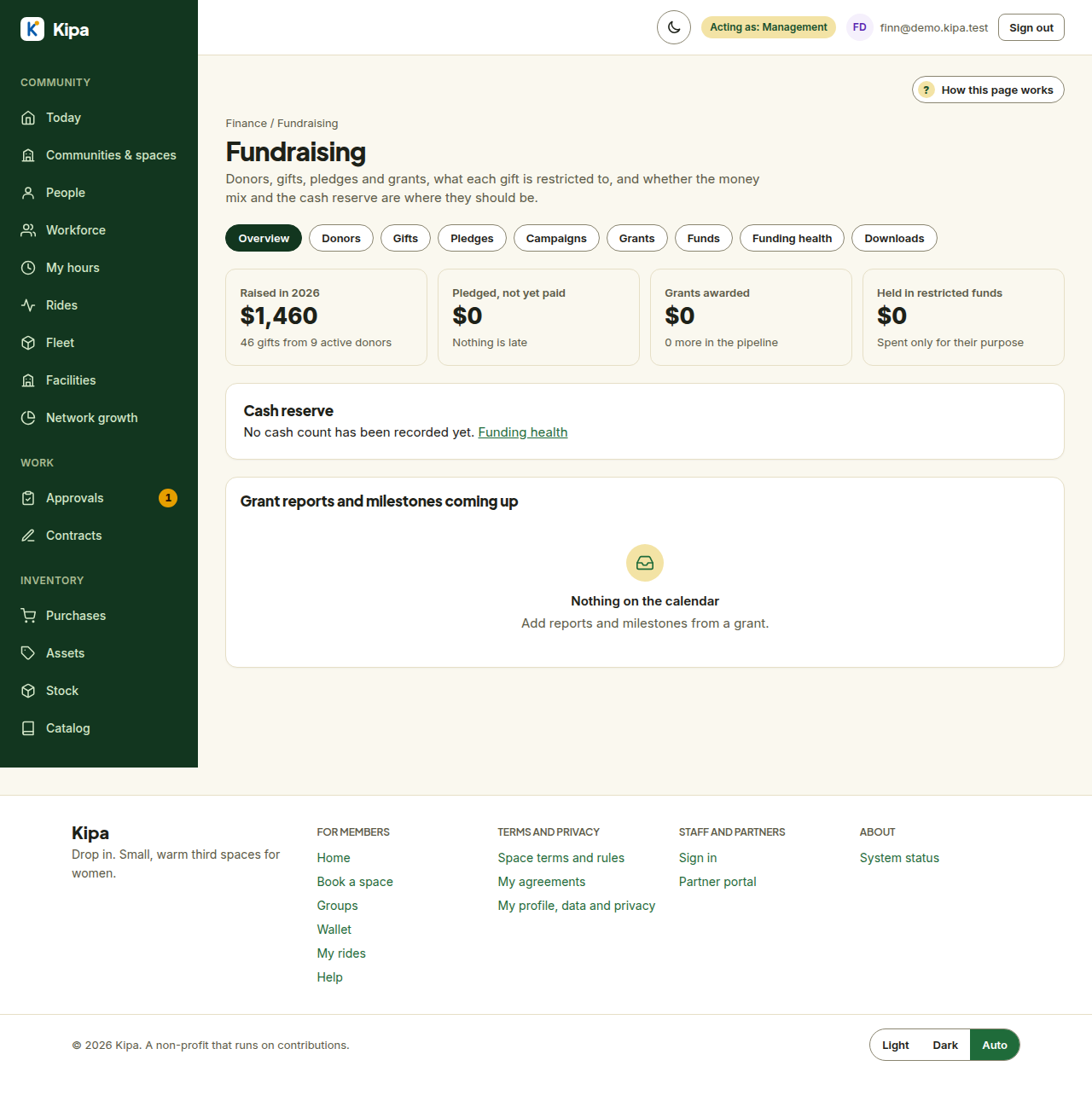
- Add a donor. Listed. The same email twice is refused.
- Record a gift. A numbered receipt is made.
- Create a restricted fund and put a gift in it. The fund holds the amount.
- Ask to release part of a restricted fund. A second person (for example the Executive Director) must agree. You cannot agree to your own request.
- Add a grant, award it and add a report due date. The date shows on the calendar.
Payroll hours export#
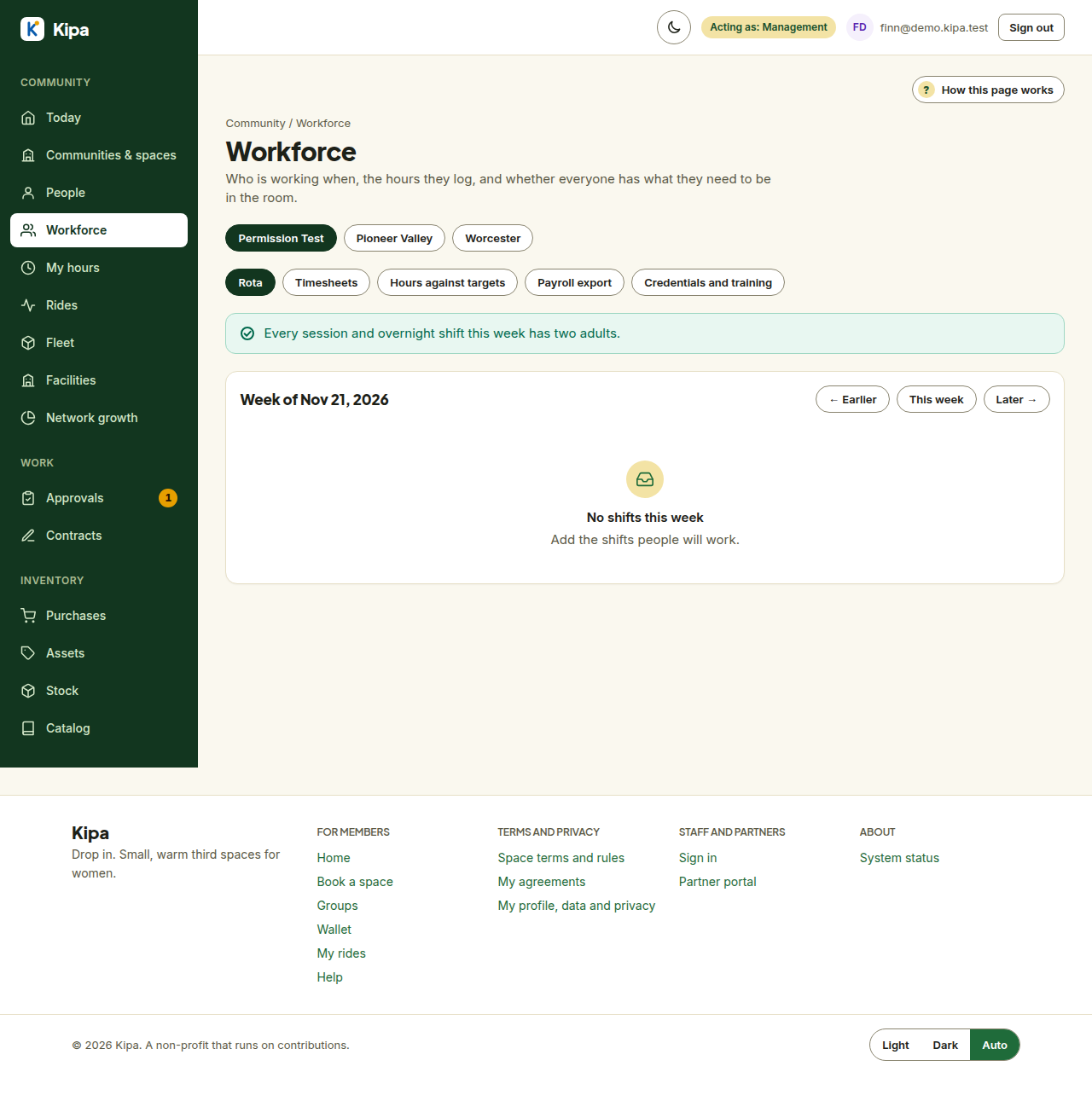
Under Workforce, Payroll export, pick a period (no longer than 62 days) and see regular, overnight, contractor and total hours by person or by day. Only approved hours count; a warning counts those still waiting. Download CSV or Excel. There are no pay rates.
If something goes wrong#
| You see | What to do |
|---|---|
| "A second person must approve" | Ask a colleague; you cannot approve your own |
| A deposit does not match | Flag it with a note; do not change the amount |
| A receipt file is refused | Use a PDF, JPEG, PNG or WebP under 15 MB |